By Leads Nimble Team (a product of Luminous Labs, Dhaka) · Last updated: 5 November 2026
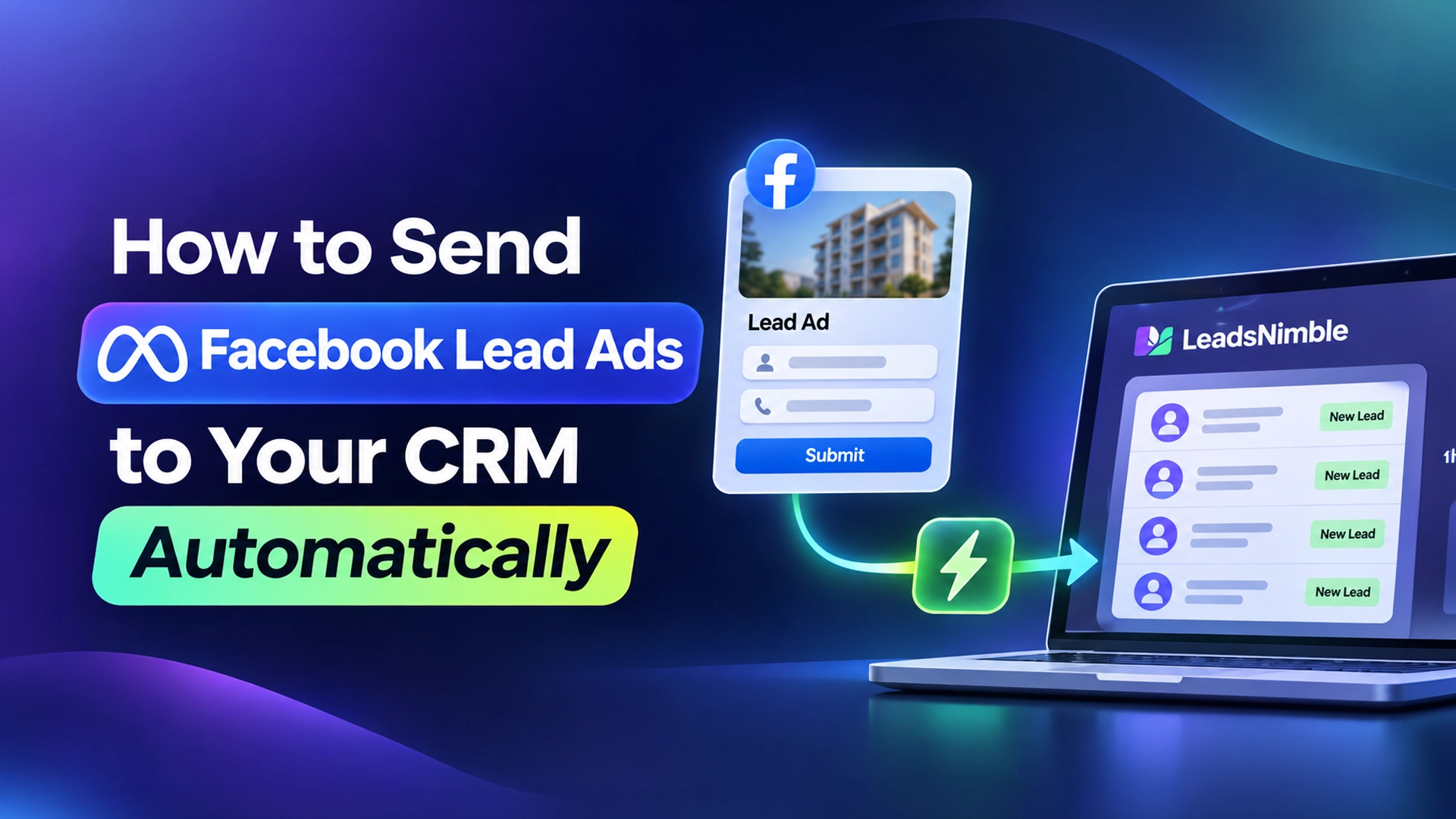
To send Facebook Lead Ads to your CRM automatically, connect your Facebook Page’s lead forms to the CRM through a native integration, a connector like Zapier, or Meta’s webhooks. Each new form submission then appears in your CRM within seconds, with name, phone, answers and the ad it came from — no CSV downloads.
Key takeaways
- Manual CSV download is Meta’s least recommended option. It delays follow-up and loses the ad context.
- There are four real routes: native CRM integration, a connector (Zapier, Make), Google Sheets as a middle step, or custom webhooks.
- Always test with Meta’s Lead Ads Testing Tool before running budget.
- Keep the Meta Lead ID with every lead so you can match results later.
- The point of automation is speed: call or message the lead within minutes, not tomorrow.
What are Facebook Lead Ads?
Facebook Lead Ads (now called Meta lead ads or instant forms) are ads that open a form inside Facebook or Instagram. The user submits name, phone and your custom questions without leaving the app.
A lead form is the set of questions attached to the ad. A Lead ID is the unique number Meta assigns to each submission. Meta’s CRM integration guide describes it as a 15–17 digit ID and asks that you keep it with each lead.
Lead Ads are popular in Bangladesh for study abroad, real estate, courses, clinics, insurance and B2B services, where a phone call usually closes the sale.
Why should Facebook leads go to a CRM automatically?
Because leads go cold fast. In a Harvard Business Review study, firms that contacted leads within an hour were nearly seven times as likely to qualify them as firms that waited longer.
Downloading a CSV once a day means many leads wait hours. By then, the person may have filled three competitors’ forms too. They may not even remember yours.
Automatic sync also fixes other problems:
- No copy-paste errors in phone numbers.
- Each lead is assigned to a salesperson right away.
- You keep the campaign, ad set and form name, so you can judge ads by sales, not only by cost per lead.
- Nobody needs admin access to the ad account just to fetch leads.
We wrote about the wider issue in stop losing sales in Facebook and Instagram DMs.
What are the ways to send Facebook Lead Ads to a CRM?
| Method | Speed | Cost | Skill needed | Best for |
|---|---|---|---|---|
| Manual CSV download | Slow (whenever someone downloads) | Free | None | Testing a single campaign |
| Native CRM integration | Near real time | Included in the CRM plan | Low | Most small teams |
| Zapier / Make connector | Near real time (Zapier marks “New Lead” as an instant trigger) | Paid connector plan; Zapier lists Lead Ads as a premium app | Low to medium | CRMs without a native link |
| Google Sheets (via connector) | Near real time | Connector plan | Low | Teams still working from a sheet |
| Custom webhooks / Graph API | Real time with webhooks | Developer time and hosting | High | In-house systems |
Meta’s own documentation lists partner integrations, webhooks, Graph API bulk reads and manual download. It marks manual download as not recommended.
How to connect Facebook Lead Ads to a CRM natively (step by step)
Menu names differ slightly between CRMs, but the steps are similar.
- Check your access. You need admin or full control of the Facebook Page in Meta Business Suite, and permission to access leads.
- Open the CRM’s integrations page. Find “Facebook Lead Ads” or “Meta lead forms” and click connect.
- Log in with Facebook. Approve the permissions the CRM asks for, including Page and leads access.
- Choose the Page and forms. Select one or more lead forms, or “all forms” on that Page.
- Map the fields. Match form questions to CRM fields: full name, phone, email, city, budget and custom questions.
- Set routing and the first action. Pick a pipeline stage, an owner or round-robin, and, if your CRM supports it, an instant welcome message on WhatsApp or Messenger.
- Test. Use Meta’s Lead Ads Testing Tool to submit a test lead and confirm it arrives correctly.
- Check Leads Access settings. If leads stop arriving, look at Page leads-access settings in Meta Business Suite. A removed CRM permission is a common cause.
How to send Facebook Lead Ads to Google Sheets or a CRM with Zapier
If your CRM has no native connection, use a connector.
- Create a Zapier account on a plan that includes premium apps. Zapier’s Facebook Lead Ads page lists it as premium.
- Choose the trigger “Facebook Lead Ads → New Lead” and connect your Facebook account.
- Select the Page and form.
- Add an action: “Google Sheets → Create Spreadsheet Row” or your CRM’s “Create Contact/Lead” action.
- Map each field, and include the lead ID, ad name and form name.
- Test with Meta’s testing tool, then turn the Zap on.
Google Sheets is a fine middle step for a small team. Our free Google Sheets CRM template has columns ready for Lead Ads data. Remember that a sheet will not remind anyone to call.
What about custom webhooks?
A webhook is a URL on your server that Meta calls the moment a new lead arrives. It is the fastest and most flexible route, but it needs a developer.
Your developer creates a Meta app, subscribes it to the Page’s leadgen events, fetches each lead by ID, and writes it into your database. They must handle access tokens, permissions and errors, and keep the app compliant with Meta’s review rules. For most small and mid-size businesses in Bangladesh, a CRM with a ready connection is cheaper over time.
Which fields should a Facebook lead form collect?
Shorter forms get more leads; better questions get better leads. Balance the two.
- Always: full name and phone number (Meta can prefill these).
- Useful: city or area (Dhaka, Chattogram, Sylhet…), preferred contact time, WhatsApp yes/no.
- Qualifying (1–2 only): budget range, course or country of interest, flat size, service needed.
- Consent: a clear line on how you will contact them and use their data.
Use multiple-choice answers where you can. They map cleanly to CRM fields and are easier to segment later.
What should happen in the first five minutes after a lead arrives?
- The lead appears in the CRM with source ad, form and Lead ID.
- It is assigned to a salesperson by rule.
- An automatic welcome message goes out on WhatsApp or Messenger in Bangla or English, if the person opted in.
- The salesperson gets a mobile notification and a task: “Call within 15 minutes.”
- If no one acts, the lead escalates to a manager.
Phone numbers in Bangladesh should be stored in the +8801XXXXXXXXX format. That makes WhatsApp click-to-chat and dialling work reliably.
Should you send lead quality back to Meta?
Meta offers a Conversions API for CRM setup, where you report which leads became qualified or converted. The idea is to help delivery favour people likely to buy, not just people likely to fill forms. It needs stage data from your CRM and some technical setup, so start once your lead flow is stable.
How Leads Nimble handles Facebook Lead Ads
Leads Nimble, the AI sales CRM and unified inbox from Luminous Labs in Dhaka, captures Facebook Lead Ads and lead-capture forms into the same pipeline as your chats. That means:
- Lead Ads, Messenger, Instagram, WhatsApp, website chat and Telegram leads sit in one pipeline.
- Campaign and ad attribution shows which ad produced each lead.
- The AI assistant can start the conversation 24/7 in Bangla or English and qualify the lead, with human handoff.
- Team routing, tasks and follow-up reminders make sure someone calls.
- Integrations with Google Sheets, Zapier, webhooks and a REST API connect to the rest of your tools.
See the features page or compare options in our omnichannel lead management guide.
Common problems and fixes
| Problem | Likely cause | Fix |
|---|---|---|
| No leads arriving | CRM lost leads access on the Page | Reconnect and check leads-access settings in Business Suite |
| Some leads missing | New form not selected in the integration | Choose “all forms” or add the new form |
| Phone numbers broken | Mixed formats (01…, 8801…, +8801…) | Normalise to +8801 format in field mapping |
| Duplicates | Same person submits twice or two connectors run | Use one connection; dedupe on phone number |
| Leads arrive but nobody calls | No routing or reminders | Assign owners automatically and add a 15-minute task |
Get your Lead Ads into a pipeline today
Start with one form. Connect it, run Meta’s test, then watch how fast your team responds over a week.
Start on the Leads Nimble free plan or book a demo to connect your Lead Ads live with our team.
Frequently asked questions
How do I send Facebook Lead Ads to my CRM automatically?
Open your CRM’s integrations page and connect Facebook Lead Ads, then log in, choose your Page and forms, and map fields. If your CRM has no native connection, use Zapier or Make with the “New Lead” trigger. Developers can also use Meta webhooks. Test every setup with Meta’s Lead Ads Testing Tool.
Can I send Facebook leads to Google Sheets for free?
Manual CSV export and import is free but slow. Automatic sync usually needs a connector such as Zapier, which lists Facebook Lead Ads as a premium app on paid plans, or a CRM that includes a Google Sheets integration. A sheet stores leads but does not remind anyone to follow up.
Why are my Facebook leads not showing in my CRM?
The most common cause is lost leads access: the CRM’s permission on the Page was removed or expired. Other causes are a new form not selected in the integration, or a page role change. Reconnect the integration, select all forms, and submit a test lead with Meta’s testing tool.
How fast should I contact a Facebook lead?
Within minutes if possible. Harvard Business Review research found firms that contacted leads within an hour were nearly seven times as likely to qualify them as firms that waited longer. Automatic sync, instant assignment and a mobile alert make a five-to-fifteen-minute response realistic.
Is Zapier required to connect Lead Ads to a CRM?
No. Many CRMs connect to Facebook Lead Ads natively, which is simpler and avoids a second subscription. Zapier or Make is useful when your CRM lacks a native link or you need to send leads to several tools at once. Custom webhooks are another option if you have a developer.
Does Leads Nimble support Facebook Lead Ads?
Yes. Leads Nimble captures Facebook Lead Ads and lead-capture forms into the same pipeline as Messenger, Instagram, WhatsApp, website chat and Telegram conversations. It records which ad produced each lead, lets the AI assistant start a conversation in Bangla or English, and routes the lead to the right salesperson.