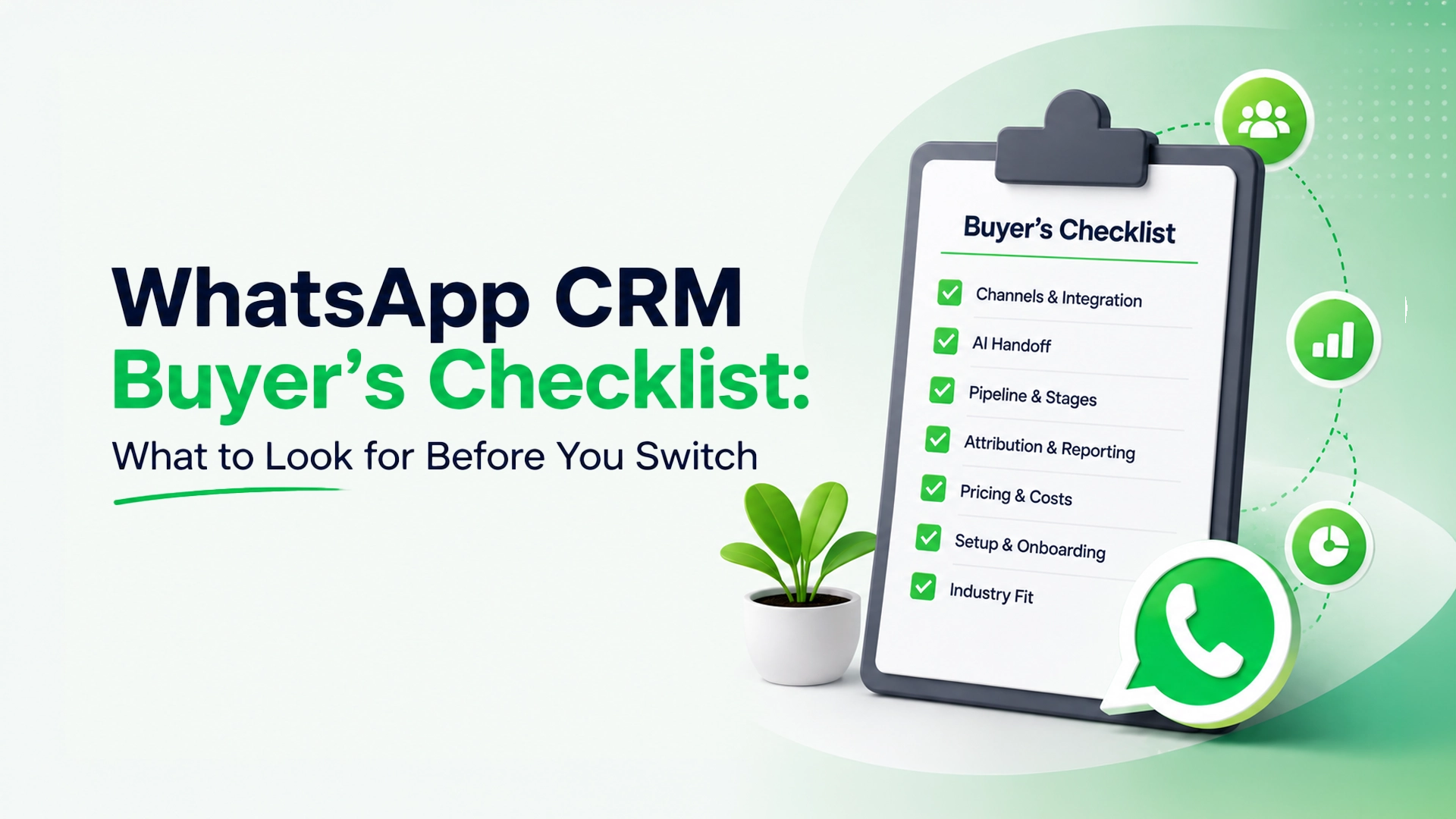
Use this WhatsApp CRM Buyer’s Checklist before you commit to a switch. Most businesses don’t research a WhatsApp CRM carefully the first time — they grab whatever comes up first, get it working, and only discover the gaps six months later when the team has outgrown it. That pattern shows up in the data too: roughly 40% of companies switch CRM platforms within their first two years, and limited functionality is the single most common reason cited. This checklist is meant to shortcut that: the questions worth asking before you commit, not after.
1. Which channels does it actually cover — not just advertise?
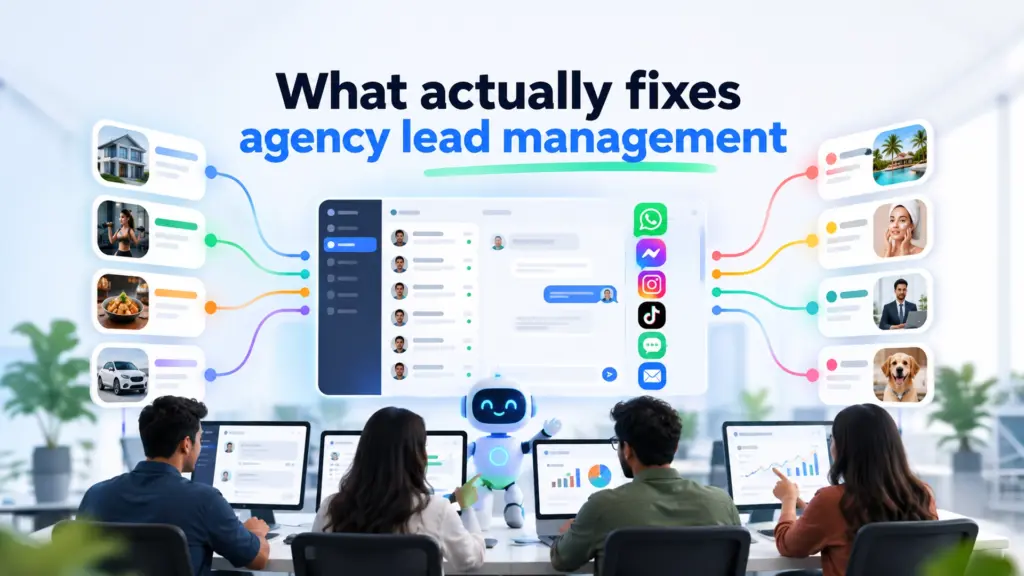
WhatsApp is usually the anchor, but check whether Messenger, Instagram, TikTok, SMS, and email are genuinely integrated into the same inbox, or just listed on the pricing page as an add-on that needs separate setup. A tool that’s WhatsApp-only works fine until a lead messages you on Instagram instead — a scenario that happens constantly for businesses running ads on Meta’s platforms.
2. Does the AI actually hand off to a human, or just loop?
Almost every tool claims “AI automation” now. The real question is what happens when the AI hits a question it can’t answer. A good system hands off cleanly to a person with full conversation context and lets a human take over at any point. A weak one either loops the customer back to a menu or has no handoff at all, which is worse than no AI.
3. Is there a real pipeline, or just tags?
Tags tell you a lead’s status at a glance. A pipeline shows you where every lead sits in a process — new inquiry, qualified, negotiating, closed — and lets your team act on stalled deals instead of just labeling them. If your sales process has more than two steps, a tagging system alone won’t hold up.
4. Can you see which ad or channel actually produced a sale?
Plenty of tools track message volume. Fewer connect a completed sale or signed deal back to the specific ad, campaign, or channel that produced it. Without that, your ad budget optimizes for clicks and replies, not revenue.
5. What’s the actual pricing model, and what’s excluded?
WhatsApp CRM pricing is notoriously easy to misread. Look specifically for: per-user fees that scale awkwardly as your team grows, per-message or per-conversation charges layered on top of the base plan, and separate WhatsApp Business API costs that aren’t included in the headline price. A plan that looks cheap at 2 users can get expensive fast at 10.
6. How long does setup actually take?
Some platforms need a developer to configure webhooks and API connections before the first message can be sent. Others are usable within an afternoon. If you don’t have technical resources in-house, ask specifically about setup time before buying — not after.
7. Does it fit your industry’s actual workflow?
A tool built primarily for Shopify order confirmations will feel awkward for a real estate pipeline, and vice versa. Look for case studies or feature sets that match your specific use case — e-commerce, real estate, healthcare, or agencies managing several clients at once — rather than a generic “works for everyone” pitch.
Common mistakes when choosing
- Picking based on brand recognition alone. The best-known tool in the space isn’t automatically the best fit for your channel mix or budget.
- Ignoring per-message costs during the trial. A free trial often waives usage-based fees that show up in the first real invoice.
- Not testing the AI-to-human handoff before committing. This is the single feature most likely to frustrate customers if it’s done poorly, and it’s rarely obvious from a features page.
- Choosing the cheapest plan and outgrowing it in months. It’s usually cheaper to pay slightly more up front for a system with room to grow than to migrate contact history and automations later.
Frequently Asked Questions WhatsApp CRM Buyer’s Checklist
Do I need a WhatsApp Business API account, or does the CRM handle that?
It varies by provider — some include API setup in the price, others expect you to arrange it separately. Confirm this before signing up, since a missing API connection can stall onboarding by days.
Is a cheaper, WhatsApp-only tool ever the right choice?
Yes — if your leads genuinely only ever contact you on WhatsApp and you don’t run ads on Instagram or Facebook, a simpler, WhatsApp-first tool can be a reasonable, lower-cost fit.
How important is the pipeline feature really?
It depends on your sales cycle length. A same-day purchase decision (like most retail DMs) needs less pipeline structure than a multi-week decision (like real estate, B2B, or financial services), where tracking stage and follow-up matters far more.
Leads Nimble covers all seven of these directly: WhatsApp, Messenger, Instagram, TikTok, SMS and email in one inbox, an AI assistant with a clean human handoff, a visual pipeline, ad attribution tied to actual conversions, transparent pricing, and same-day setup. See how it stacks up specifically against other platforms in our comparison of Leads Nimble, Kommo, Zoko, and Wati, or the full guide to why businesses lose leads in chat for industry-specific detail.
Want to see it against your own checklist? Start a free trial — no card required, set up in minutes.