Tag: Facebook page

  • ChatGPT দিয়ে ফেসবুক পেজে বাংলায় উত্তর: AI অটো রিপ্লাই গাইড

    ChatGPT দিয়ে ফেসবুক পেজে বাংলায় উত্তর: AI অটো রিপ্লাই গাইড

    সর্বশেষ আপডেট: ৫ নভেম্বর ২০২৬ · লিখেছে Leads Nimble Team (Luminous Labs, ঢাকা)

    হ্যাঁ, ChatGPT দিয়ে ফেসবুক পেজের কাস্টমারকে বাংলায় উত্তর দেওয়া যায়। তবে ChatGPT অ্যাপ নিজে আপনার পেজের ইনবক্সে বসে উত্তর দেয় না। হয় আপনি উত্তর লিখিয়ে কপি-পেস্ট করবেন, নয়তো এমন টুল লাগবে যা AI-কে Messenger-এর সাথে যুক্ত করে। নিরাপদ AI অটো রিপ্লাই বাংলা সেটআপের মূল তিনটি জিনিস: নিজের নলেজ বেস, পরিষ্কার প্রম্পট আর মানুষের হাতে হস্তান্তরের নিয়ম।

    মূল কথা এক নজরে

    • ChatGPT বাংলা ও বাংলিশ বুঝে স্বাভাবিক বাংলায় উত্তর লিখতে পারে।
    • পেজে সরাসরি অটো রিপ্লাই দিতে হলে Messenger-এর সাথে যুক্ত AI টুল বা CRM লাগবে।
    • AI যেন শুধু আপনার দেওয়া দাম ও তথ্য থেকে উত্তর দেয়, সেজন্য নলেজ বেস বানান।
    • দাম, স্টক, রিফান্ড ও অভিযোগের প্রশ্নে মানুষের হাতে হস্তান্তর রাখুন।
    • লাইভ করার আগে অন্তত ২০টি আসল কাস্টমার-প্রশ্ন দিয়ে টেস্ট করুন।

    AI অটো রিপ্লাই কী? কয়েকটি জরুরি শব্দের সহজ মানে

    • AI অটো রিপ্লাই হলো এমন ব্যবস্থা, যেখানে কৃত্রিম বুদ্ধিমত্তা কাস্টমারের মেসেজ পড়ে নিজে থেকে উত্তর লেখে।
    • প্রম্পট হলো AI-কে দেওয়া নির্দেশনা, যেখানে বলা থাকে সে কে, কীভাবে কথা বলবে আর কী করবে না।
    • নলেজ বেস হলো আপনার ব্যবসার তথ্যের ভাণ্ডার: পণ্য, দাম, ডেলিভারি চার্জ, রিটার্ন নীতি আর সাধারণ প্রশ্নের উত্তর।
    • হ্যালুসিনেশন হলো AI-এর আত্মবিশ্বাসের সাথে ভুল বা বানানো তথ্য বলা।
    • হিউম্যান হ্যান্ডঅফ হলো নির্দিষ্ট পরিস্থিতিতে কথোপকথন AI থেকে মানুষের কাছে পাঠিয়ে দেওয়া।

    সাধারণ অটো রিপ্লাই শুধু একটি নির্দিষ্ট মেসেজ পাঠায়। AI অটো রিপ্লাই প্রশ্ন বুঝে আলাদা আলাদা উত্তর দিতে পারে। তাই “লাল রঙের XL আছে?” আর “ঢাকার বাইরে কতদিন লাগে?” দুটোরই আলাদা উত্তর আসে।

    ChatGPT দিয়ে ফেসবুক পেজে বাংলায় উত্তর দেওয়ার ৪টি উপায়

    উপায়কীভাবে কাজ করেখরচউপযুক্ত কাদের জন্য
    ১. ChatGPT-তে লিখিয়ে কপি-পেস্টপ্রশ্ন ChatGPT-তে দিয়ে উত্তর বানিয়ে নিজে পাঠানফ্রি প্ল্যান থেকে শুরুদিনে অল্প মেসেজ পাওয়া পেজ
    ২. টেমপ্লেট লাইব্রেরি বানানোChatGPT দিয়ে সাধারণ প্রশ্নের উত্তর আগে লিখিয়ে Meta Business Suite-এ সেভড রিপ্লাই বানানফ্রিযাদের প্রশ্ন বারবার একই রকম
    ৩. Messenger-এ যুক্ত AI টুল বা CRMটুলটি Meta-র অফিশিয়াল API দিয়ে পেজে যুক্ত হয়ে নিজে উত্তর দেয়ফ্রি প্ল্যান থেকে পেইডনিয়মিত অ্যাড চালানো পেজ
    ৪. নিজে বানানো বটডেভেলপার OpenAI-এর API আর Messenger Platform জুড়ে দেনডেভেলপমেন্ট ও API খরচনিজস্ব টেক টিম আছে এমন ব্যবসা

    ChatGPT-এর ফ্রি প্ল্যান দিয়েই শুরু করা যায়। OpenAI-এর তথ্য অনুযায়ী ChatGPT Plus-এর দাম মাসে ২০ ডলার। কম দামের ChatGPT Go প্ল্যানও আছে, যার দাম কিছু দেশে স্থানীয়ভাবে ঠিক করা হয়। কেনার আগে নিজের অ্যাকাউন্টে দাম দেখে নিন।

    মনে রাখুন, এই সাবস্ক্রিপশন শুধু ChatGPT অ্যাপের জন্য। এটা আপনার পেজের ইনবক্সে কোনো অটোমেশন চালু করে না।

    ধাপে ধাপে AI অটো রিপ্লাই বাংলা সেটআপ

    1. পুরনো মেসেজ ঘাঁটুন। গত এক মাসের ইনবক্স থেকে সবচেয়ে বেশি আসা ২০-৩০টি প্রশ্ন লিখে ফেলুন।
    2. নলেজ বেস বানান। একটি ডকুমেন্টে পণ্যের নাম, দাম, সাইজ, ডেলিভারি চার্জ, সময় আর রিটার্ন নীতি লিখুন।
    3. টোন ঠিক করুন। “আপনি” নাকি “আপু/ভাইয়া”, কতটা আনুষ্ঠানিক, ইমোজি চলবে কি না, সেটা লিখে রাখুন।
    4. মূল প্রম্পট লিখুন। নিচের টেমপ্লেট থেকে শুরু করে নিজের ব্যবসার মতো বদলে নিন।
    5. হ্যান্ডঅফের নিয়ম ঠিক করুন। কোন কোন প্রশ্নে AI উত্তর না দিয়ে মানুষকে ডাকবে, সেটা পরিষ্কার লিখুন।
    6. টেস্ট করুন। ধাপ ১-এর প্রশ্নগুলো বাংলা, বাংলিশ আর ভুল বানানে দিয়ে উত্তর মিলিয়ে দেখুন।
    7. ছোট করে লাইভ করুন। প্রথমে রাতের সময় বা নির্দিষ্ট একটি পোস্টের মেসেজে চালু করুন।
    8. প্রতি সপ্তাহে রিভিউ করুন। ভুল উত্তরগুলো খুঁজে নলেজ বেস আপডেট করুন।

    কপি-পেস্ট করার মতো ৪টি বাংলা প্রম্পট

    প্রম্পট ১: মূল নির্দেশনা (সিস্টেম প্রম্পট)

    তুমি “[পেজের নাম]”-এর কাস্টমার সাপোর্ট সহকারী। কাস্টমার বাংলায় বা বাংলিশে লিখলে সহজ, ভদ্র বাংলায় উত্তর দেবে। ইংরেজিতে লিখলে ইংরেজিতে উত্তর দেবে।
    শুধু নিচের “তথ্য” অংশ থেকে উত্তর দেবে। তথ্য না থাকলে বলবে: “একটু অপেক্ষা করুন, আমাদের টিমের একজন এখনই উত্তর দিচ্ছেন।”
    কখনো দাম, ছাড় বা ডেলিভারির সময় নিজে থেকে বানাবে না।
    উত্তর ৩ লাইনের মধ্যে রাখবে এবং শেষে একটি প্রশ্ন করবে, যাতে অর্ডার এগোয়।
    তথ্য: [এখানে নলেজ বেস পেস্ট করুন]

    প্রম্পট ২: পণ্যের তালিকা থেকে FAQ বানানো

    নিচে আমার পণ্যের তালিকা দিলাম। এই তালিকা থেকে কাস্টমাররা সাধারণত যে ১৫টি প্রশ্ন করেন এবং তার ছোট বাংলা উত্তর লেখো। তালিকায় নেই এমন কোনো দাম বা তথ্য যোগ করবে না। যেখানে তথ্য নেই, সেখানে “[তথ্য দরকার]” লিখবে।

    প্রম্পট ৩: রুক্ষ উত্তর ভদ্র করা

    এই উত্তরটা আরও বিনয়ী ও বন্ধুসুলভ বাংলায় আবার লেখো। তথ্য বদলাবে না, শুধু ভাষা নরম করবে। ২ লাইনের বেশি নয়: “[আপনার উত্তর]”

    প্রম্পট ৪: বাংলিশ মেসেজ বোঝা

    কাস্টমার লিখেছেন: “[মেসেজ]”। তিনি আসলে কী জানতে চাইছেন, এক লাইনে বাংলায় লেখো। তারপর আমার তথ্য থেকে উত্তরের একটি খসড়া দাও।

    প্রম্পটের “তথ্য বানাবে না” লাইনটা কখনো বাদ দেবেন না। এটা পুরো ঝুঁকি দূর না করলেও ভুলের সম্ভাবনা কমায়।

    নলেজ বেসে কী কী রাখবেন?

    বিষয়কী লিখবেনকতদিন পরপর আপডেট
    পণ্য ও দামনাম, কোড, দাম, সাইজ, রংদাম বদলালেই
    স্টককোনটা আছে, কোনটা শেষপ্রতিদিন বা লাইভ সিঙ্ক
    ডেলিভারিঢাকার ভেতরে ও বাইরে চার্জ, সময়, কুরিয়ার (Pathao, Steadfast, RedX)রেট বদলালে
    পেমেন্টCOD, bKash, Nagad, অগ্রিমের নিয়মনিয়ম বদলালে
    রিটার্ন ও এক্সচেঞ্জকত দিনের মধ্যে, কোন শর্তেনীতি বদলালে
    অফারঅফারের শুরু ও শেষ তারিখপ্রতিটি ক্যাম্পেইনে

    ঝুঁকি: ভুল দাম, হ্যালুসিনেশন আর প্রাইভেসি

    AI খুব আত্মবিশ্বাসী ভঙ্গিতে ভুল বলতে পারে। ChatGPT নিজেও স্ক্রিনে সতর্ক করে যে এটি ভুল করতে পারে। ব্যবসায় একটা ভুল দাম মানে হয় লোকসান, নয়তো রাগী কাস্টমার।

    ঝুঁকিউদাহরণকীভাবে ঠেকাবেন
    ভুল দাম৳১,২৫০-এর পণ্যকে ৳৯৫০ বলাদাম শুধু নলেজ বেস থেকে; না পেলে হ্যান্ডঅফ
    বানানো অফার“আজ ফ্রি ডেলিভারি” বলে দেওয়াপ্রম্পটে নিষেধ; অফার আলাদা করে তালিকাভুক্ত
    পুরনো স্টক তথ্যশেষ হওয়া সাইজ “আছে” বলাস্টক নিয়মিত আপডেট; অর্ডারের আগে মানুষ যাচাই করে
    প্রাইভেসিকাস্টমারের ফোন-ঠিকানা সাধারণ চ্যাট অ্যাপে পেস্ট করাব্যক্তিগত তথ্য বাদ দিয়ে প্রশ্ন পেস্ট করুন
    ভুল টোনঅভিযোগে হাসির ইমোজিঅভিযোগ শনাক্ত হলেই মানুষের কাছে পাঠানো

    কখন AI থামিয়ে মানুষের হাতে দেবেন?

    • কাস্টমার রাগ বা অভিযোগ জানালে, বা “মানুষের সাথে কথা বলতে চাই” লিখলে।
    • রিফান্ড, ভাঙা বা ভুল পণ্য, পেমেন্ট না পৌঁছানোর প্রশ্নে।
    • বড় অর্ডার বা পাইকারি দরদামের সময়।
    • নলেজ বেসে উত্তর না থাকলে।
    • একই প্রশ্ন দুইবার করার পরও কাস্টমার সন্তুষ্ট না হলে।

    হ্যান্ডঅফ তখনই কাজে লাগে, যখন মানুষ দ্রুত উত্তর দেয়। দেরিতে উত্তর দিলে কী হয়, তা নিয়ে আমাদের ফেসবুক পেজ রিপ্লাই টাইম গাইড পড়ে দেখতে পারেন।

    ChatGPT কপি-পেস্ট বনাম CRM-এ যুক্ত AI: কোনটা আপনার জন্য?

    বিষয়ChatGPT কপি-পেস্টCRM-এ যুক্ত AI
    রাত ৩টায় উত্তরনা, আপনাকে জেগে থাকতে হবেহ্যাঁ, ২৪/৭
    আপনার দাম জানাপ্রতিবার পেস্ট করতে হয়নলেজ বেস থেকে নেয়
    লিড ও অর্ডার ট্র্যাকিংনেইপাইপলাইনে থাকে
    মানুষের হাতে হস্তান্তরপ্রযোজ্য নয়নিয়ম দিয়ে স্বয়ংক্রিয়
    খরচফ্রি থেকে শুরুফ্রি প্ল্যান থেকে শুরু

    Leads Nimble-এ বাংলায় AI অটো রিপ্লাই কীভাবে কাজ করে?

    Leads Nimble হলো বাংলাদেশে তৈরি একটি AI সেলস CRM ও ইউনিফাইড ইনবক্স। এর AI সহকারী আপনার নিজের নলেজ বেস (পণ্য, দাম, FAQ) থেকে শিখে বাংলা ও ইংরেজিতে ২৪/৭ উত্তর দেয়। এটি লিড কোয়ালিফাই করে এবং দরকার হলে টিমের কাছে কথোপকথন পাঠিয়ে দেয়।

    Messenger, Instagram, WhatsApp, ওয়েবসাইট চ্যাট আর Telegram-এর মেসেজ এক ইনবক্সে আসে। সাথে আছে কমেন্ট অটোমেশন, ফলো-আপ রিমাইন্ডার, ইন-চ্যাট অর্ডার আর পে-লিংকসহ ইনভয়েস। ফ্রি ফরএভার প্ল্যানে ১টি Messenger পেজ আর মাসে ৫০০ AI ক্রেডিট পাওয়া যায়।

    কমেন্ট থেকে ইনবক্সে কাস্টমার আনার পুরো পদ্ধতি দেখুন কমেন্টে অটো রিপ্লাই গাইডে। তৈরি উত্তর চাইলে আছে ২০০+ বাংলা অটো রিপ্লাই টেমপ্লেট। অন্য AI টুলের তুলনা পাবেন Best AI Tools for Small Business in Bangladesh পোস্টে।

    নিজের পেজে টেস্ট করে দেখতে চান? ফ্রি প্ল্যান চালু করুন, অথবা ডেমো বুক করুন। সব ফিচারের তালিকা আছে ফিচার পেজে।

    সচরাচর জিজ্ঞাসা (FAQ)

    ChatGPT কি সরাসরি ফেসবুক পেজে অটো রিপ্লাই দিতে পারে?

    ChatGPT অ্যাপ নিজে আপনার পেজের ইনবক্সের সাথে যুক্ত হয় না। পেজে স্বয়ংক্রিয় উত্তর দিতে হলে এমন টুল বা CRM লাগবে, যা Meta-র অফিশিয়াল API দিয়ে Messenger-এ যুক্ত হয়ে AI চালায়। আরেকটি উপায় হলো ডেভেলপার দিয়ে নিজস্ব বট বানানো। শুধু ChatGPT অ্যাপ দিয়ে উত্তর লিখিয়ে হাতে পাঠানো যায়।

    ChatGPT কি ভালো বাংলা লিখতে পারে?

    ChatGPT বাংলা ও বাংলিশ দুটোই বোঝে এবং মোটামুটি স্বাভাবিক বাংলায় উত্তর দিতে পারে। তবে মাঝে মাঝে অনুবাদের মতো শোনায় বা ভুল শব্দ বেছে নেয়। প্রম্পটে টোনের উদাহরণ দিলে ফল ভালো হয়। লাইভ করার আগে আসল কাস্টমার-প্রশ্ন দিয়ে টেস্ট করে নেওয়াই নিরাপদ।

    AI যদি ভুল দাম বলে দেয়, কী করব?

    প্রথমত, প্রম্পটে স্পষ্ট লিখুন যে দাম শুধু নলেজ বেস থেকে দেবে, না পেলে মানুষকে ডাকবে। দ্বিতীয়ত, অর্ডার কনফার্মের আগে মানুষ দিয়ে দাম যাচাই করুন। ভুল হয়ে গেলে দ্রুত কাস্টমারকে সঠিক দাম জানিয়ে ক্ষমা চান, আর নলেজ বেস ঠিক করুন। প্রতি সপ্তাহে ভুল উত্তরগুলো দেখে প্রম্পটও ঠিক করুন।

    AI অটো রিপ্লাই বাংলা চালাতে কত খরচ হয়?

    শুরু ফ্রিতেও করা যায়। ChatGPT-এর ফ্রি প্ল্যান দিয়ে উত্তর লেখানো যায়, আর Leads Nimble-এর ফ্রি প্ল্যানে মাসে ৫০০ AI ক্রেডিট আছে। মেসেজ বাড়লে পেইড প্ল্যান লাগে। বাংলাদেশি গ্রাহকদের Leads Nimble টাকায় বিল করে; সর্বশেষ দাম প্রাইসিং পেজে দেখুন। ছোট পরিসরে শুরু করে ফল দেখে তারপর বাড়ান।

    কাস্টমারের তথ্য ChatGPT-তে দেওয়া কি নিরাপদ?

    সাধারণ চ্যাট অ্যাপে কাস্টমারের ফোন নম্বর, ঠিকানা বা পেমেন্ট তথ্য পেস্ট না করাই ভালো। শুধু প্রশ্নটুকু দিন। ব্যবসার কাজে এমন টুল বেছে নিন, যেখানে কে কোন তথ্য দেখতে পারবে তা নিয়ন্ত্রণ করা যায়, যেমন টিম রোল ও পারমিশন। কোন টুল কাস্টমারের তথ্য কীভাবে রাখে, ব্যবহারের আগে তাদের প্রাইভেসি নীতি পড়ে নিন।

    AI থাকলে কি আর মানুষ লাগবে না?

    লাগবে। AI দাম, সাইজ, ডেলিভারির মতো সাধারণ প্রশ্ন সামলাতে পারে। কিন্তু অভিযোগ, রিফান্ড, দরদাম বা জটিল প্রশ্নে মানুষের বিচার দরকার। ভালো সেটআপে AI প্রথম উত্তর দেয় আর দরকার হলে কথোপকথন টিমের কাছে পাঠায়। এতে টিমের সময় বাঁচে, আবার কাস্টমারও সঠিক উত্তর পান।
  • F-commerce Automation in Bangladesh: Replies, Orders, Leads

    F-commerce Automation in Bangladesh: Replies, Orders, Leads

    By Leads Nimble Team (a product of Luminous Labs, Dhaka) · Last updated: 5 November 2026

    F-commerce automation in Bangladesh means using tools to reply to Facebook page messages and comments instantly, take orders inside the chat, confirm COD or bKash payments, hand orders to couriers like Pathao, Steadfast or RedX, and follow up with buyers — without a person typing every reply. It lets small page sellers handle more orders with the same team.

    Key takeaways

    • F-commerce has four jobs to automate: replies, order taking, order tracking and repeat sales.
    • Start free with Meta Business Suite automated responses, then add AI when repeat questions exceed your team’s capacity.
    • Automate the questions, not the trust. Keep payment problems, complaints and returns with people.
    • Confirm COD orders before handing them to the courier to cut fake orders and returns.
    • Track every order back to the post or ad that produced it.

    What is f-commerce?

    F-commerce is selling products directly through Facebook, mainly via a Facebook page, its posts, Messenger and Facebook groups, instead of a full online store. Buyers see a post, comment “price?”, message the page, and pay by cash on delivery or mobile wallet.

    F-commerce automation is the use of software to handle the repetitive parts of that process: replies, order capture, status updates and follow-ups.

    How big is f-commerce in Bangladesh?

    Facebook’s reach is huge. DataReportal’s Digital 2026 Bangladesh report says Meta’s ad tools showed 64.0 million Facebook users in Bangladesh in late 2025.

    Reliable recent counts of f-commerce pages are hard to find. An older e-CAB estimate, reported by The Daily Star in 2020, counted over 50,000 active f-commerce pages at the end of 2019. The number is surely different today, but no newer official figure was available when we checked.

    What every seller knows is the daily reality: hundreds of “dam koto?”, “delivery charge koto?” and “COD hobe?” messages, peaks at night and before Eid, and a small team trying to keep up.

    Which f-commerce tasks can you automate?

    TaskManual todayAutomated versionKeep human?
    Greeting new messagesTyped by moderatorInstant reply in BanglaNo
    Price, size, colour questionsCopy-paste from notesAI answers from your product listOnly for unusual requests
    “Price?” comments on postsReply one by oneComment auto-reply plus private messageNo
    Taking the orderAsk name, address, phone in chatOrder flow collects details in orderCheck before dispatch
    PaymentShare bKash/Nagad number, check screenshotsPay link or clear payment instructionsYes, for disputes
    Order confirmationPhone callConfirmation message; call only unclear onesPartly
    Courier bookingEnter in courier portalExport or push via Sheets, Zapier or APIPartly
    Follow-up and repeat salesRarely doneSegments and broadcasts for new stock or Eid offersNo
    Complaints and returnsModeratorTicket created automaticallyYes

    Step 1: How do you automate replies on a Facebook page?

    Start with what is free. Meta Business Suite lets you set instant replies, away messages and FAQ buttons for Messenger. Our guide to free Facebook page auto reply walks through each setting.

    Free rules have a limit: they match fixed triggers. When customers ask “lal ta XL e ache? Mirpur e kal pabo?”, a keyword rule cannot answer. That is where an AI assistant helps. It reads the question, checks your product list and replies naturally in Bangla, English or Banglish.

    For ready-made wording, use our 200+ Bangla auto reply templates.

    Step 2: How do you turn “price?” comments into inbox orders?

    Comment automation replies publicly (“Inbox e details dilam”) and sends a private message with price and an order button. This keeps prices out of comment wars and moves the buyer into a chat where you can take the order.

    We cover the full setup in our Bangla guide to comment auto-reply and inbox orders.

    Step 3: How do you take orders inside Messenger or WhatsApp?

    An order flow is a short, fixed set of questions that collects everything the courier needs. Keep it to one question per message.

    1. Confirm the product, size and colour (with a photo).
    2. Ask for quantity.
    3. Ask for full name.
    4. Ask for phone number (+8801 format).
    5. Ask for full address with area and district.
    6. Show total: product price + delivery charge (inside Dhaka / outside Dhaka).
    7. Ask payment method: COD, bKash or Nagad advance, or pay link.
    8. Send an order summary and ask the buyer to reply “Confirm”.

    The written “Confirm” step matters. It gives you a record and filters out casual clickers before you pay for a courier trip.

    Step 4: How do you reduce fake COD orders and returns?

    Returned parcels cost you delivery charges both ways. Some practical steps sellers use:

    • Require written confirmation of the order summary in chat.
    • Call first-time buyers with large orders before dispatch.
    • Take a small advance (for example, the delivery charge) by bKash or Nagad for outside-Dhaka orders.
    • Tag customers who refused parcels before, and ask them for advance payment next time.
    • Send a dispatch message with expected delivery days, so buyers are ready to receive.

    Step 5: How do orders reach Pathao, Steadfast or RedX?

    Most sellers still type orders into the courier’s merchant panel. That is fine at low volume. As orders grow, use one of these routes:

    • Bulk upload: export confirmed orders to a sheet in the courier’s format and upload them.
    • Connector: push confirmed orders to Google Sheets or a courier tool using Zapier or webhooks.
    • API: some couriers offer merchant APIs. A developer can connect them to your order system.

    Check each courier’s merchant documentation for current options, as they change.

    Step 6: How do you track leads and repeat buyers?

    Every message is a potential order, so treat it like a lead. A simple pipeline works:

    New message → Interested → Order details taken → Confirmed → Dispatched → Delivered → Repeat buyer (or Returned / Lost).

    With this, you can see who asked the price but never ordered, and follow up the next day. You can also tag buyers by product category and message them when new stock lands. Not sure how much the missed ones cost? Try our missed message calculator.

    Check Meta’s current Messenger messaging rules before sending promotional broadcasts. Messages outside the normal reply window have restrictions, and breaking them can limit your page.

    Which f-commerce automation tool is best in Bangladesh?

    ToolWhat it does wellLimits
    Meta Business Suite (free)Instant replies, away messages, FAQs, saved repliesKeyword-style rules; no order pipeline or AI understanding
    WhatsApp Business app (free)Catalog, quick replies, labels, greeting and away messagesOne number, manual order tracking; see our app vs API comparison
    Chatbot builders (e.g. ManyChat)Flow-based bots and comment automationYou design every flow; billed in USD; CRM features limited
    Google SheetsFree order logNo inbox, no automation without connectors
    Leads NimbleAI replies in Bangla and English, comment automation, in-chat orders, pipeline, broadcasts and ad attribution in one placeFree plan covers one user and one Messenger page; more channels and seats on paid plans

    Many sellers combine tools: Meta’s free replies while starting, then a CRM with AI once moderators cannot keep up. For a deeper buyer’s view, see our WhatsApp CRM buyer’s checklist.

    How Leads Nimble automates f-commerce

    Leads Nimble is an AI sales CRM and unified inbox from Luminous Labs, Mirpur DOHS, Dhaka. For page sellers it brings together:

    • Unified inbox for Facebook Messenger, Instagram, WhatsApp (official API and unofficial), website chat and Telegram.
    • AI assistant trained on your products, prices, delivery charges and FAQs, replying 24/7 in Bangla and English, with human handoff.
    • Comment automation to answer “price?” comments and move buyers to the inbox.
    • In-chat orders and invoicing with pay links.
    • Pipeline, segments, broadcasts and follow-up reminders for unconverted leads and repeat buyers.
    • Campaign and ad attribution to see which post or ad produced each order.
    • Integrations with Shopify, Google Sheets, Zapier, webhooks and a REST API, plus a mobile app and team roles.

    Explore the full feature list.

    Your first week of f-commerce automation

    1. Day 1: List your top 20 customer questions and answers, including delivery charges inside and outside Dhaka.
    2. Day 2: Upload products with prices, sizes and photos to your knowledge base.
    3. Day 3: Turn on AI replies for Messenger, with handoff for complaints and payment issues.
    4. Day 4: Switch on comment automation for your next post or boosted ad.
    5. Day 5: Build the order flow and the confirmation message.
    6. Day 6: Set the pipeline stages and a next-day follow-up for “asked price, didn’t order”.
    7. Day 7: Review conversations, fix wrong answers and update the knowledge base.

    Start automating your page

    Leads Nimble’s free forever plan includes one user, one Messenger page and 500 AI credits a month, with no credit card. Start free, or book a demo to see an order flow built for your products.

    Frequently asked questions

    What is f-commerce automation?

    F-commerce automation is using software to handle repetitive work in Facebook-based selling: replying to messages and comments, collecting order details, sending confirmations and following up with buyers. It lets a small team handle more conversations, respond faster at night and during sales peaks, and keep a clear record of every order and lead.

    Can I automate my Facebook page replies for free?

    Yes. Meta Business Suite offers free instant replies, away messages and frequently asked question buttons for Messenger. They work on fixed triggers, so they cannot understand mixed Bangla-English questions. Leads Nimble’s free plan adds an AI assistant for one Messenger page with 500 AI credits a month.

    Can a chatbot reply in Bangla to customers?

    Yes. AI assistants trained on your product list can understand and reply in Bangla, English and Banglish. Accuracy depends on the information you provide. Keep prices, stock and delivery charges updated, review conversations regularly, and set handoff rules so complaints and payment issues reach a person.

    How do I reduce fake COD orders?

    Ask buyers to confirm a written order summary in chat, call first-time buyers with large or outside-Dhaka orders, and consider a small advance such as the delivery charge by bKash or Nagad. Tag customers who refused parcels before. These steps cut wasted courier trips without blocking genuine buyers.

    Can automation book my courier automatically?

    Partly. Many sellers export confirmed orders to a sheet and bulk-upload them to Pathao, Steadfast or RedX merchant panels. Connectors like Zapier or webhooks can push orders to sheets or courier tools, and some couriers offer merchant APIs for developers. Check each courier’s current documentation.

    Will automation make my page feel robotic?

    Not if you set it up well. Write answers in your page’s own tone, use Bangla the way your customers do, and keep humans for complaints, negotiations and special requests. Fast, accurate answers usually feel better to buyers than slow replies from a busy moderator.

  • Facebook Page Reply Time in Bangladesh: Benchmarks and Fixes

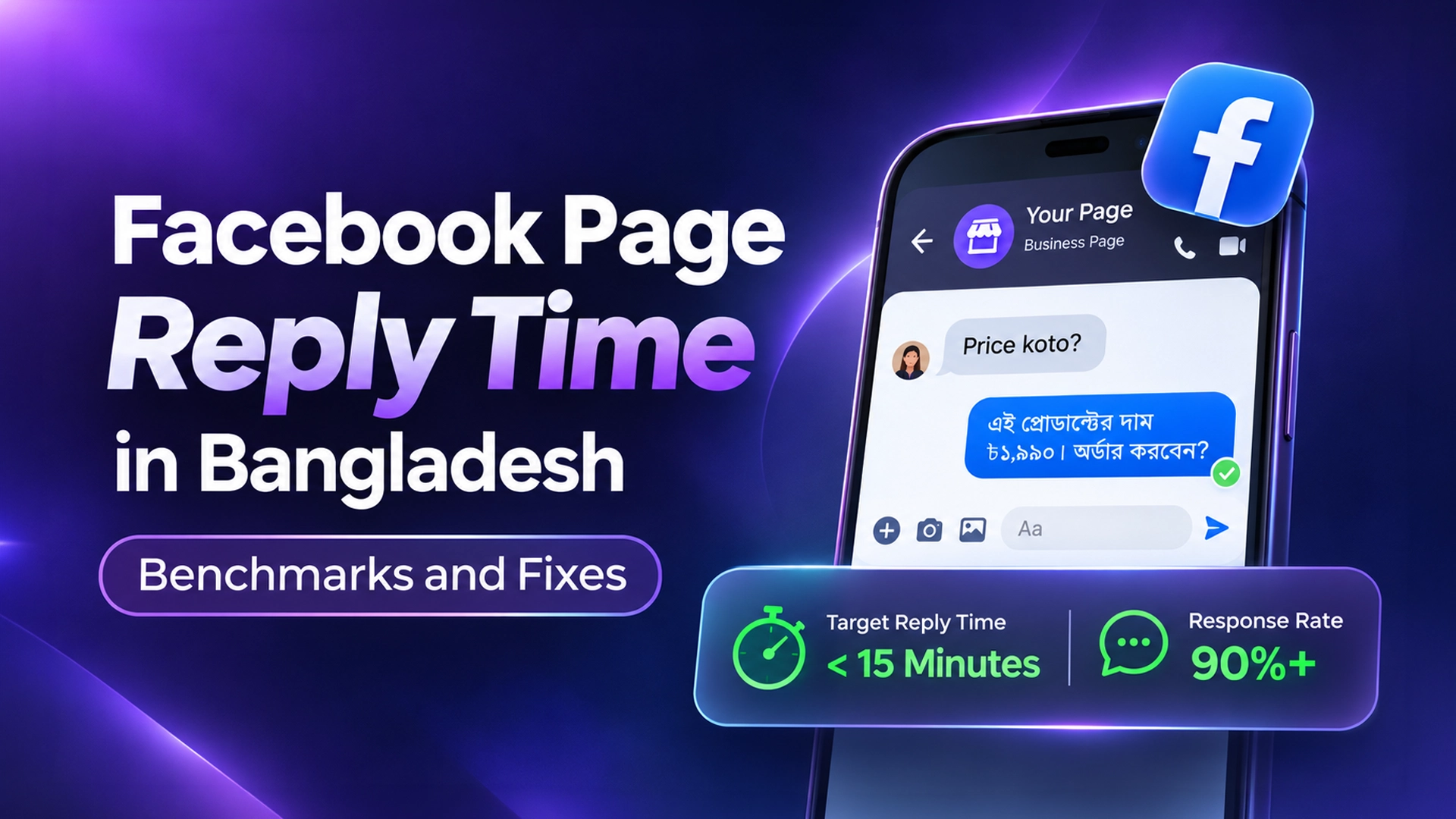
    Facebook Page Reply Time in Bangladesh: Benchmarks and Fixes

    Last updated: 5 November 2026 · By Leads Nimble Team (a product of Luminous Labs, Dhaka)

    A good Facebook page response time in Bangladesh is under 15 minutes during business hours, with at least 90% of messages answered. Those are the targets historically linked to Meta’s “Very responsive to messages” badge. For sales leads, aim even faster: research shows replying within an hour dramatically raises your chances of closing.

    Key takeaways

    • Target: answer 90%+ of new messages, with a typical reply under 15 minutes. Under 5 minutes is better for f-commerce.
    • Meta measures response rate and response time from your first reply to new conversations only.
    • Instant replies and away messages have been reported as not counting toward these metrics. A real answer does.
    • Published research found leads contacted within an hour were far more likely to be qualified than leads contacted later.
    • Hit the target with a rota, saved answers, a single inbox and an AI assistant for nights and peaks.

    What is Facebook page response time?

    Facebook page response time is how long your page typically takes to send its first reply to a new message. Meta shows it to visitors, for example as “Typically replies within an hour”, on your page and in Messenger.

    Response rate is the percentage of new messages your page replies to. Together, these two numbers tell customers whether messaging you is worth it.

    How does Meta calculate them?

    Meta has adjusted the details over the years, and its help pages are the final word. Reporting by Blog du Modérateur (2018) described the method like this:

    • Only the first message in a new conversation counts. Replying many times in one chat doesn’t improve the score.
    • The window is roughly the last 30 days (or your last 10 messages if volume is low).
    • Response time is the average of your fastest 90% of replies, so a few very slow ones don’t wreck it.
    • Excluded: instant replies, away messages, spam, and messages received while the page was set to “Away”.
    • Included: replies sent by a person or through an API, such as a connected chatbot or CRM.

    The practical lesson: an automatic “Thanks, we’ll reply soon” greeting is useful for the customer, but it does not make your page look faster. A real answer does.

    What does the “Very responsive to messages” badge require?

    When Meta launched page response metrics in 2015, the “Very responsive to messages” badge went to pages with a response rate of at least 90% over the previous seven days. TechCrunch reported a fast median response time as the second condition. Many social media agencies have since quoted the target as 15 minutes.

    Meta does not publish a current public threshold that we could verify for 2026, and it has changed page features often. So treat 90% and under 15 minutes as a sensible target, not a guaranteed badge formula. If your page meets it, customers see a fast “typically replies” label either way.

    What is a good response time benchmark for Bangladeshi pages?

    We won’t invent a survey of Bangladeshi pages. No reliable public one exists that we know of. Instead, here are practical targets, built from Meta’s historic badge criteria and published lead-response research.

    Business typeTarget first reply (business hours)Outside hoursWhy
    F-commerce (clothing, cosmetics, gadgets)Under 5 minutesAI or instant answer to price, delivery and CODBuyers message several pages and order from the first clear answer
    Food and cloud kitchensUnder 2–3 minutesClear closed message with next opening timeHunger doesn’t wait
    Clinics and diagnosticsUnder 15 minutesBooking options and emergency guidancePatients compare availability, not just price
    Study abroad agenciesUnder 15 minutesAI collects country, intake and test scoreHigh-value leads, often messaging many agencies
    Real estateUnder 15 minutes; call within the hourAI shares project details and books a callbackEach lead is worth a lot; speed signals seriousness
    B2B and servicesUnder 1 hourAcknowledge and set expectationsLonger decisions, but first contact still matters

    Why does response time matter so much for sales?

    Because interest decays fast. In an audit published in Harvard Business Review in 2011, researchers found that only 37% of 2,241 US companies answered online leads within an hour, and the average response took 42 hours.

    The same research reported that firms contacting a lead within an hour were nearly seven times as likely to qualify it as those that waited an hour longer. Firms that waited a day or more did far worse still.

    That study was about US web forms, not Messenger. But a Dhaka shopper asking “dam koto?” on three pages behaves the same way. The first clear answer usually wins the order. Our missed message calculator shows what slow replies cost in Taka.

    How to check your page’s response time

    1. Open Meta Business Suite on desktop or the mobile app.
    2. Go to the Inbox and look for your page’s messaging insights or response metrics. Menu names change, so search “response time” in Meta’s help if you can’t find it.
    3. Note your current response rate and response time.
    4. Check how your page appears to customers: open it from a personal account and look for the “Typically replies…” label.
    5. Write the numbers down weekly. Improvement you don’t measure tends not to happen.

    How to hit a 15-minute (or faster) reply time

    1. Set clear working hours and an honest away state

    Messages received while your page is set to away have been reported as excluded from response metrics. Use it for genuine off-hours, such as late night or Friday prayers, not to hide a slow team.

    2. Build a staff rota for peak hours

    Most pages have predictable peaks: after ads go live, lunch time, and late evening. Put someone on the inbox for those windows, especially during Eid and sale campaigns.

    3. Prepare saved replies for the top 10 questions

    Price, size, colour, delivery charge inside and outside Dhaka, COD, bKash or Nagad payment, delivery time by Pathao, Steadfast or RedX, return policy. Ready answers cut reply time from minutes to seconds. For ideas, use our Bangla auto reply templates.

    4. Bring all channels into one inbox

    If Messenger, Instagram and WhatsApp are on different phones, the slowest phone sets your real response time. A unified inbox puts every new chat in one queue.

    5. Route chats to the right person

    Sales questions to sales, complaints to support. Assignment stops the “I thought you were answering it” problem.

    6. Add an AI assistant for nights and spikes

    An AI assistant trained on your real prices and policies can give a full answer at 2 am. Because API-connected replies have been reported to count as real replies, this can help your metrics as well as your sales. Always include a human handoff for complaints and unusual questions.

    7. Review slow chats every week

    Pick five slow conversations each week and ask why. Usually it’s a missing answer in your saved replies or a gap in the rota. Fix that one cause.

    Free tools vs a CRM for faster replies

    ToolCostHelps response time?Limits
    Meta instant replies and FAQsFreeHelps customers; reported not to count in metricsFixed answers only
    Saved replies in Business SuiteFreeYes, speeds up staffNeeds someone online
    Staff rotaSalaryYesCostly at night and on holidays
    Unified inbox + AI CRMFree plan or monthly feeYes, 24/7 real answers across channelsNeeds a good knowledge base and setup

    Start with the free tools. Our free Facebook page auto reply guide covers setup step by step.

    How Leads Nimble helps you reply faster

    Leads Nimble is an AI sales CRM and unified inbox made in Dhaka by Luminous Labs. It brings Messenger, Instagram, WhatsApp, website chat and Telegram into one inbox, with team routing, roles and a mobile app for replying on the go.

    Its AI assistant answers 24/7 in Bangla and English from your own knowledge base: products, prices, delivery charges and FAQs. It qualifies leads and hands them to a human when needed. Every conversation becomes a lead with follow-up reminders. See all features.

    Try it free: the free forever plan includes one user, one Messenger page, 500 AI credits a month and no credit card. Compare paid plans on the pricing page or book a demo.

    Frequently asked questions

    What is a good response time for a Facebook page?

    Aim to answer at least 90% of new messages, with a typical first reply under 15 minutes during business hours. Those figures match the targets historically linked to Meta’s “Very responsive” badge. For f-commerce pages, under five minutes is better, because shoppers often message several pages and buy from whoever answers clearly first.

    How do I get the “Very responsive to messages” badge?

    When Meta introduced it in 2015, the badge required a response rate of at least 90% and a fast response time over the previous seven days. Meta has not published a current threshold we could verify for 2026. Aim for 90% and under 15 minutes, use real replies rather than auto-greetings, and set your page to away only during genuine off-hours.

    Do instant replies count toward Facebook response time?

    Reportedly not. Published explanations of Meta’s calculation say instant replies and away messages are excluded from response rate and response time. Replies sent by a person, or through an API such as a connected chatbot or CRM, are counted. Instant replies are still worth using, because they reassure customers while a real answer is on its way.

    How is Facebook page response rate calculated?

    Response rate is the share of new conversations your page replies to. Based on published explanations, only the first message of a new conversation counts, over roughly the last 30 days. Spam, conversations you closed, and messages received while your page was marked away are excluded. Meta can change these rules, so check its help center for the latest.

    Does response time affect sales?

    Yes. A 2011 Harvard Business Review audit found only 37% of companies answered online leads within an hour, and that firms responding within an hour were nearly seven times as likely to qualify a lead as those waiting an hour longer. Messaging buyers in Bangladesh behave similarly: slow answers send them to competing pages.

    How can a small team reply faster without hiring?

    Prepare saved replies for your top ten questions, put all channels in one inbox, and cover peak hours with a simple rota. Then add an AI assistant trained on your prices and policies to answer nights and spikes, with handoff to a human for complaints. Review a few slow chats each week and fix their causes.

  • কমেন্টে “দাম কত?” — অটো রিপ্লাই ও ইনবক্সে অর্ডার নেওয়ার গাইড

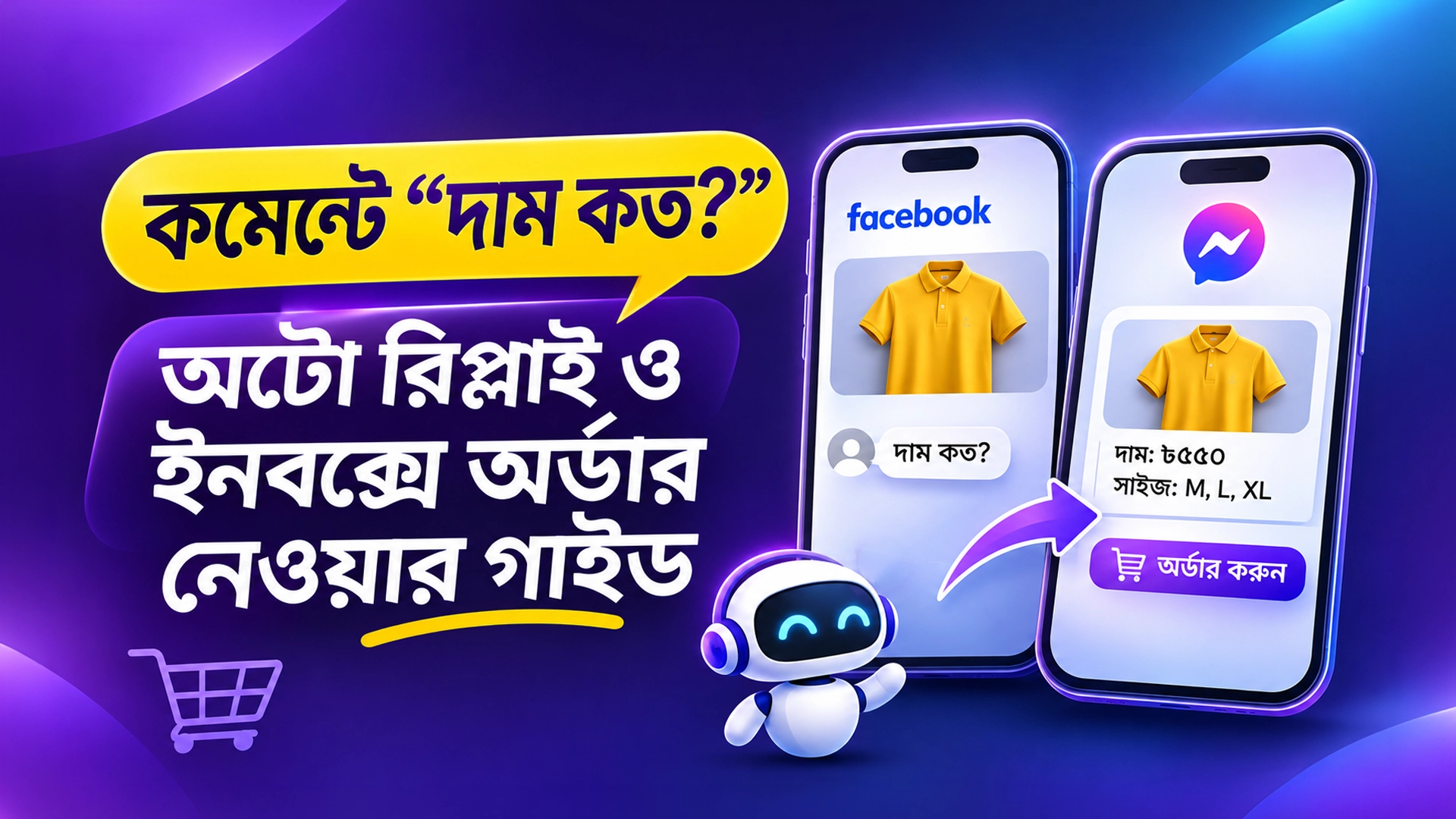
    কমেন্টে “দাম কত?” — অটো রিপ্লাই ও ইনবক্সে অর্ডার নেওয়ার গাইড

    সর্বশেষ আপডেট: ৫ নভেম্বর ২০২৬ · লিখেছে Leads Nimble Team (Luminous Labs, ঢাকা)

    কমেন্টে অটো রিপ্লাই মানে, কেউ পোস্টে “দাম কত?” লিখলে পেজ নিজে থেকেই কমেন্টে ছোট একটা উত্তর দেয় এবং একই সাথে ইনবক্সে দাম, সাইজ আর অর্ডারের নিয়ম পাঠিয়ে দেয়। Meta-র নিয়মে প্রতিটি কমেন্টে একটি প্রাইভেট মেসেজ পাঠানো যায়, ৭ দিনের মধ্যে। কাস্টমার উত্তর দিলেই ইনবক্সে অর্ডার নেওয়া শুরু করবেন।

    মূল কথা এক নজরে

    • একটি কমেন্টে Meta একটি মাত্র প্রাইভেট রিপ্লাই পাঠাতে দেয়, তাও ৭ দিনের মধ্যে।
    • কাস্টমার ইনবক্সে উত্তর দিলে তবেই কথোপকথন চালানো যায় (২৪ ঘণ্টার মেসেজিং উইন্ডো)।
    • পাবলিক রিপ্লাই কয়েকরকম রাখুন, যাতে স্প্যামের মতো না দেখায়।
    • দাম লুকিয়ে শুধু “ইনবক্স চেক করুন” লিখলে অনেকে বিরক্ত হন। ইনবক্সে সাথে সাথে পুরো তথ্য দিন।
    • অর্ডার কনফার্মের আগে নাম, ফোন, ঠিকানা, সাইজ, ডেলিভারি চার্জ ও পেমেন্ট (bKash/Nagad বা COD) মিলিয়ে নিন।

    কমেন্টে অটো রিপ্লাই কী এবং কেন দরকার?

    কমেন্টে অটো রিপ্লাই হলো এমন একটি অটোমেশন, যা নির্দিষ্ট শব্দ দেখে কমেন্টের নিচে স্বয়ংক্রিয় উত্তর দেয়। প্রাইভেট রিপ্লাই হলো কমেন্টকারীকে কমেন্টের সূত্র ধরে ইনবক্সে পাঠানো একটি মেসেজ। দুটো একসাথে চালালে বলা হয় কমেন্ট-টু-ইনবক্স অটোমেশন।

    বাংলাদেশের ফেসবুক পেজে বিক্রি করা ব্যবসায় এটা খুব কাজের। বুস্ট করা পোস্টে এক রাতে শত শত “pp”, “price?”, “দাম কত ভাই” কমেন্ট আসে। হাতে সবার উত্তর দিতে গেলে অনেকে বাদ পড়ে যান। আর যিনি বাদ পড়লেন, তিনি সম্ভবত অন্য পেজ থেকে কিনে ফেলবেন।

    দ্রুত উত্তরের গুরুত্ব নিয়ে গবেষণাও আছে। Harvard Business Review-এর The Short Life of Online Sales Leads গবেষণায় দেখা গেছে, যারা এক ঘণ্টার মধ্যে যোগাযোগ করেছে, তাদের লিড কোয়ালিফাই করার সম্ভাবনা অনেক বেশি ছিল। কাজেই কমেন্টের উত্তর মিনিটের মধ্যে যাওয়াই ভালো।

    Meta-র নিয়ম: কমেন্ট থেকে ইনবক্সে কতবার, কতদিনের মধ্যে মেসেজ পাঠানো যায়?

    যে টুলই ব্যবহার করুন, সবাইকে Meta-র এই নিয়ম মানতে হয়। নিচের টেবিলটি Meta-র ডেভেলপার ডকুমেন্টেশন থেকে নেওয়া: Facebook Private Replies এবং Instagram Private Replies।

    নিয়মফেসবুক পেজইনস্টাগ্রাম
    প্রতি কমেন্টে কয়টি প্রাইভেট মেসেজ১টি১টি
    কতদিনের মধ্যে পাঠাতে হবেপোস্ট বা কমেন্ট তৈরির ৭ দিনের মধ্যেকমেন্টের ৭ দিনের মধ্যে (পোস্ট, অ্যাড পোস্ট, রিল)
    লাইভ ভিডিওর কমেন্টডকুমেন্টেশনে আলাদা করে বলা নেইশুধু লাইভ চলাকালীন; লাইভ শেষ হলে আর পাঠানো যায় না
    পরের মেসেজ কখন পাঠানো যাবেকাস্টমার উত্তর দিলে, ২৪ ঘণ্টার উইন্ডোর মধ্যেকাস্টমার উত্তর দিলে, ২৪ ঘণ্টার উইন্ডোর মধ্যে

    এর মানে দাঁড়ায় দুটি কথা। প্রথমত, প্রথম মেসেজটাই সবচেয়ে গুরুত্বপূর্ণ, কারণ দ্বিতীয় সুযোগ নেই। দ্বিতীয়ত, প্রথম মেসেজ শেষ করুন একটি প্রশ্ন দিয়ে, যাতে কাস্টমার উত্তর দেন এবং কথোপকথন খোলে।

    দাম কমেন্টে লিখবেন, নাকি ইনবক্সে পাঠাবেন?

    এই প্রশ্নে বিক্রেতাদের মধ্যে মতভেদ আছে। দুই দিকেরই যুক্তি আছে, তাই সৎভাবে দেখে নিন।

    পদ্ধতিসুবিধাঅসুবিধা
    কমেন্টেই দাম লেখাকাস্টমারের সময় বাঁচে, স্বচ্ছতা বাড়েপ্রতিযোগীরা সহজে দাম দেখে; লিড ইনবক্সে আসে না
    শুধু “ইনবক্স চেক করুন”সবাই ইনবক্সে আসে, ফলো-আপ করা যায়দেরি হলে কাস্টমার বিরক্ত হন
    ছোট পাবলিক রিপ্লাই + ইনবক্সে পুরো তথ্যদ্রুত উত্তর, লিডও ইনবক্সে আসেঅটোমেশন সেটআপ লাগে

    আমাদের পরামর্শ তৃতীয় পদ্ধতি। দাম যদি নির্দিষ্ট হয়, পাবলিক রিপ্লাইতেই দাম লিখে দিতে পারেন। আসল কথা হলো, ইনবক্সের মেসেজ যেন কয়েক সেকেন্ডে পৌঁছায় এবং তাতে দাম থাকে।

    কমেন্টে অটো রিপ্লাই সেট করার ৩টি উপায়

    উপায়খরচকাদের জন্যসীমাবদ্ধতা
    হাতে উত্তর দেওয়াফ্রি (সময় খরচ)দিনে অল্প কমেন্টরাতে ও ভিড়ে কমেন্ট বাদ পড়ে
    Meta Business Suite-এর ইনবক্স অটোমেশনফ্রিশুরুর দিকের পেজকিওয়ার্ড-ভিত্তিক সাধারণ উত্তর; অর্ডার ট্র্যাকিং বা পাইপলাইন নেই
    চ্যাটবট টুল বা CRM (যেমন ManyChat, Leads Nimble)ফ্রি প্ল্যান থেকে শুরুনিয়মিত অ্যাড চালানো পেজসেটআপে কিছুটা সময় লাগে

    Meta Business Suite-এর ইনবক্সে অটোমেশন সেকশনে কমেন্টের কিওয়ার্ড ধরে মেসেজ পাঠানোর অপশন আছে। মেনুর নাম মাঝে মাঝে বদলায়, তাই সেটিংসে “Automations” খুঁজুন। ফ্রি সেটআপের বিস্তারিত পাবেন আমাদের ফেসবুক পেজ ফ্রি অটো রিপ্লাই গাইডে।

    ধাপে ধাপে: কমেন্ট থেকে ইনবক্সে অর্ডার নেওয়ার ফ্লো

    1. কিওয়ার্ড লিস্ট বানান। কাস্টমার যেভাবে লেখেন, ঠিক সেভাবে শব্দ যোগ করুন। বাংলা, বাংলিশ আর ইংরেজি তিনটাই রাখুন।
    2. ৪-৫টি পাবলিক রিপ্লাই লিখুন। টুল যেন এলোমেলোভাবে ঘুরিয়ে ব্যবহার করে। একই লাইন বারবার গেলে স্প্যাম মনে হয়।
    3. প্রথম ইনবক্স মেসেজ সাজান। এতে থাকবে পণ্যের নাম, দাম, সাইজ বা রং, ডেলিভারি চার্জ আর একটি প্রশ্ন।
    4. কাস্টমারের উত্তরের পর তথ্য নিন। সাইজ, রং, পরিমাণ, নাম, ফোন নম্বর আর পুরো ঠিকানা।
    5. পেমেন্টের নিয়ম জানান। ক্যাশ অন ডেলিভারি (COD), নাকি bKash/Nagad-এ অগ্রিম ডেলিভারি চার্জ, সেটা পরিষ্কার লিখুন।
    6. অর্ডার সারাংশ পাঠিয়ে কনফার্ম করুন। মোট টাকা আর ডেলিভারির আনুমানিক সময় লিখে “কনফার্ম?” জিজ্ঞেস করুন।
    7. কুরিয়ার এন্ট্রি দিন। Pathao, Steadfast বা RedX যেটা ব্যবহার করেন, সেখানে পার্সেল বুক করুন এবং কাস্টমারকে জানান।
    8. লিড ট্যাগ ও ফলো-আপ। যারা উত্তর দিয়ে থেমে গেছেন, তাদের “ফলো-আপ” ট্যাগ দিন। নিয়মের মধ্যে থেকে পরে মনে করিয়ে দিন।

    কোন কোন কিওয়ার্ড রাখবেন?

    • দাম: দাম কত, দাম?, প্রাইস, price, pp, p.p, dam koto, dam, rate
    • তথ্য: details, ডিটেইলস, বিস্তারিত, info, ইনবক্স, inbox, ib
    • অর্ডার: অর্ডার, order, নিতে চাই, lagbe, লাগবে, available?
    • সাইজ ও ডেলিভারি: size, সাইজ, ডেলিভারি চার্জ, delivery, cod

    কিছু টুল হুবহু শব্দ মেলায়, কিছু টুল আংশিক মেলায়। তাই নিজে কয়েকটা টেস্ট কমেন্ট করে দেখে নিন।

    পাবলিক রিপ্লাই টেমপ্লেট (কমেন্টের নিচে)

    • ধন্যবাদ আপু/ভাইয়া! দাম আর সাইজ ইনবক্সে পাঠিয়েছি, একটু দেখে নিন।
    • জি, স্টকে আছে। বিস্তারিত ইনবক্সে দিয়েছি।
    • আপনার মেসেজ রিকোয়েস্ট চেক করুন, সব তথ্য পাঠানো হয়েছে।
    • দাম ৳___ টাকা। সাইজ ও ডেলিভারির তথ্য ইনবক্সে দিলাম।
    • আগ্রহের জন্য ধন্যবাদ! ইনবক্সে উত্তর দিলেই অর্ডার কনফার্ম করে দেব।

    প্রথম ইনবক্স মেসেজের টেমপ্লেট

    আসসালামু আলাইকুম! কমেন্ট করার জন্য ধন্যবাদ।
    পণ্য: ___
    দাম: ৳___ (সাইজ: M, L, XL)
    ডেলিভারি চার্জ: ঢাকার ভেতরে ৳___, ঢাকার বাইরে ৳___
    পেমেন্ট: ক্যাশ অন ডেলিভারি / bKash-Nagad
    আপনার কোন সাইজ আর কয়টি লাগবে? জানালেই অর্ডার নিয়ে নিচ্ছি।

    খালি জায়গায় নিজের দাম ও চার্জ বসান। শেষের প্রশ্নটা বাদ দেবেন না। এই প্রশ্নই কাস্টমারকে উত্তর দিতে টানে। আরও তৈরি টেমপ্লেট পাবেন ২০০+ অটো রিপ্লাই মেসেজ টেমপ্লেট পোস্টে।

    ইনবক্সে অর্ডার কনফার্ম করার চেকলিস্ট

    তথ্যকেন দরকারউদাহরণ প্রশ্ন
    সাইজ, রং, পরিমাণভুল পণ্য পাঠানো ঠেকাতেকোন সাইজ আর কয়টি নেবেন?
    নাম ও ফোন নম্বরকুরিয়ার ও কনফার্মেশন কলআপনার নাম আর মোবাইল নম্বরটা দিন।
    পুরো ঠিকানাডেলিভারি চার্জ ঠিক করতেএলাকা, থানা ও জেলাসহ ঠিকানা দিন।
    পেমেন্ট পদ্ধতিফেক অর্ডার কমাতেCOD নাকি bKash-এ অগ্রিম?
    মোট টাকাপরে ঝামেলা এড়াতেমোট ৳___, কনফার্ম করবেন?

    কমেন্ট অটোমেশনে যেসব ভুল সবচেয়ে বেশি হয়

    • একই পাবলিক রিপ্লাই বারবার। শত শত একই লাইন দেখতে স্প্যামের মতো লাগে।
    • প্রথম মেসেজে প্রশ্ন না রাখা। কাস্টমার উত্তর না দিলে আপনি আর মেসেজ পাঠাতে পারবেন না।
    • পুরনো পোস্ট ভুলে যাওয়া। ৭ দিন পার হলে সেই কমেন্টে প্রাইভেট রিপ্লাই যায় না। তাই নিয়মিত পুরনো পোস্ট দেখুন।
    • ভুল দাম রেখে দেওয়া। অফার শেষ হলে টেমপ্লেটের দাম আপডেট করুন।
    • অটোমেশনের পর আর কেউ না দেখা। কাস্টমার উত্তর দিলে দ্রুত মানুষ বা AI-কে জবাব দিতে হবে।
    • নেতিবাচক কমেন্টেও অটো রিপ্লাই। অভিযোগের কমেন্টে “ধন্যবাদ!” খুব খারাপ দেখায়। এগুলো হাতে সামলান।

    Leads Nimble দিয়ে কমেন্ট থেকে অর্ডার পর্যন্ত কীভাবে চালাবেন?

    Leads Nimble হলো একটি AI সেলস CRM এবং ইউনিফাইড ইনবক্স। এতে কমেন্ট অটোমেশন আছে। কমেন্ট থেকে আসা কথোপকথন Messenger, Instagram, WhatsApp আর ওয়েবসাইট চ্যাটের সাথে এক ইনবক্সে দেখা যায়।

    • বাংলায় AI উত্তর: আপনার পণ্য, দাম আর FAQ দিয়ে AI-কে শেখানো যায়। এটি ২৪/৭ বাংলা ও ইংরেজিতে উত্তর দেয়।
    • মানুষের হাতে হস্তান্তর: জটিল প্রশ্ন বা অভিযোগে কথোপকথন টিমের কাছে চলে যায়।
    • চ্যাটেই অর্ডার ও ইনভয়েস: ইন-চ্যাট অর্ডার নেওয়া আর পে-লিংকসহ ইনভয়েস পাঠানো যায়।
    • পাইপলাইন ও ফলো-আপ: প্রতিটি লিড একটি ভিজ্যুয়াল পাইপলাইনে থাকে, সাথে ফলো-আপ রিমাইন্ডার।
    • অ্যাড অ্যাট্রিবিউশন: কোন অ্যাড থেকে কোন লিড এলো, সেটা দেখা যায়।

    ফ্রি ফরএভার প্ল্যানে ১টি ইউজার, ১টি Messenger পেজ আর মাসে ৫০০ AI ক্রেডিট পাবেন, ক্রেডিট কার্ড লাগবে না। সব ফিচার দেখুন ফিচার পেজে। পুরো ফেসবুক বিক্রির অটোমেশন বুঝতে পড়ুন F-commerce Automation in Bangladesh এবং ইনবক্সে বিক্রি হারানো বন্ধের গাইড।

    শুরু করতে চান? ফ্রি প্ল্যান চালু করুন, অথবা আপনার পেজের জন্য সেটআপ দেখতে একটি ডেমো বুক করুন।

    সচরাচর জিজ্ঞাসা (FAQ)

    ফেসবুক কমেন্টে অটো রিপ্লাই কি ফ্রিতে দেওয়া যায়?

    হ্যাঁ। Meta Business Suite-এর ইনবক্স অটোমেশনে কমেন্টের কিওয়ার্ড ধরে মেসেজ পাঠানোর ফ্রি অপশন আছে। তবে এতে অর্ডার ট্র্যাকিং, পাইপলাইন বা AI উত্তর থাকে না। প্রতিদিন অনেক কমেন্ট এলে চ্যাটবট টুল বা CRM-এর ফ্রি প্ল্যান দিয়ে শুরু করা সুবিধাজনক। সেটআপের আগে নিজের পেজে একটি টেস্ট কমেন্ট দিয়ে দেখে নিন।

    একটি কমেন্টে কয়টি ইনবক্স মেসেজ পাঠানো যায়?

    Meta-র নিয়মে প্রতি কমেন্টে মাত্র একটি প্রাইভেট রিপ্লাই পাঠানো যায়। কাস্টমার সেই মেসেজের উত্তর দিলে তবেই ২৪ ঘণ্টার মেসেজিং উইন্ডো খোলে। তাই প্রথম মেসেজেই দাম ও দরকারি তথ্য দিন এবং শেষে একটি সহজ প্রশ্ন রাখুন। এভাবে কাস্টমার সহজে উত্তর দেন এবং কথোপকথন খোলা থাকে।

    পুরনো পোস্টের কমেন্টেও কি অটো রিপ্লাই কাজ করবে?

    ফেসবুকে পোস্ট বা কমেন্ট তৈরির ৭ দিনের মধ্যে প্রাইভেট রিপ্লাই পাঠাতে হয়। ইনস্টাগ্রামে কমেন্টের ৭ দিনের মধ্যে। এর পরে আর প্রাইভেট মেসেজ যায় না। পুরনো পোস্টে পাবলিক রিপ্লাই দিয়ে কাস্টমারকে পেজে মেসেজ করতে বলতে পারেন। তাই নিয়মিত পুরনো পোস্ট ও অ্যাডের কমেন্ট দেখে নিন।

    অ্যাডের কমেন্টেও কি এই অটোমেশন চলে?

    ইনস্টাগ্রামের ক্ষেত্রে Meta-র ডকুমেন্টেশনে অ্যাড পোস্টের কমেন্টের কথা স্পষ্ট বলা আছে। ফেসবুকের ক্ষেত্রে পেজের পোস্টের কমেন্টে প্রাইভেট রিপ্লাই কাজ করে। আপনার টুলে অ্যাডের কমেন্ট আলাদাভাবে সাপোর্ট করে কি না, লাইভ করার আগে একটা টেস্ট কমেন্ট দিয়ে যাচাই করে নিন। ভুল হলে কাস্টমার উত্তর না পেয়ে অন্য পেজে চলে যেতে পারেন।

    দাম কমেন্টে লেখা ভালো, নাকি ইনবক্সে?

    দুটোরই যুক্তি আছে। ইনবক্সে নিলে ফলো-আপ করা যায়, আর কমেন্টে দাম দিলে কাস্টমারের সময় বাঁচে। ভালো সমাধান হলো ছোট পাবলিক রিপ্লাই দেওয়া এবং সাথে সাথে ইনবক্সে দামসহ পুরো তথ্য পাঠানো। দেরি করে শুধু “ইনবক্স চেক করুন” লিখলে অনেক কাস্টমার চলে যান।

    COD অর্ডারে ফেক অর্ডার কমাবো কীভাবে?

    অর্ডারের আগে পুরো নাম, ফোন নম্বর আর থানাসহ ঠিকানা নিন। মোট টাকা লিখে লিখিত কনফার্মেশন নিন। অনেক বিক্রেতা ঢাকার বাইরের অর্ডারে bKash বা Nagad-এ অগ্রিম ডেলিভারি চার্জ নেন। কোন নিয়ম আপনার ব্যবসায় মানানসই, সেটা আপনার রিটার্নের হার দেখে ঠিক করুন। সময়ের সাথে নিয়মটা আবার যাচাই করুন।

  • Free Google Sheets CRM Template for Facebook Page Sellers

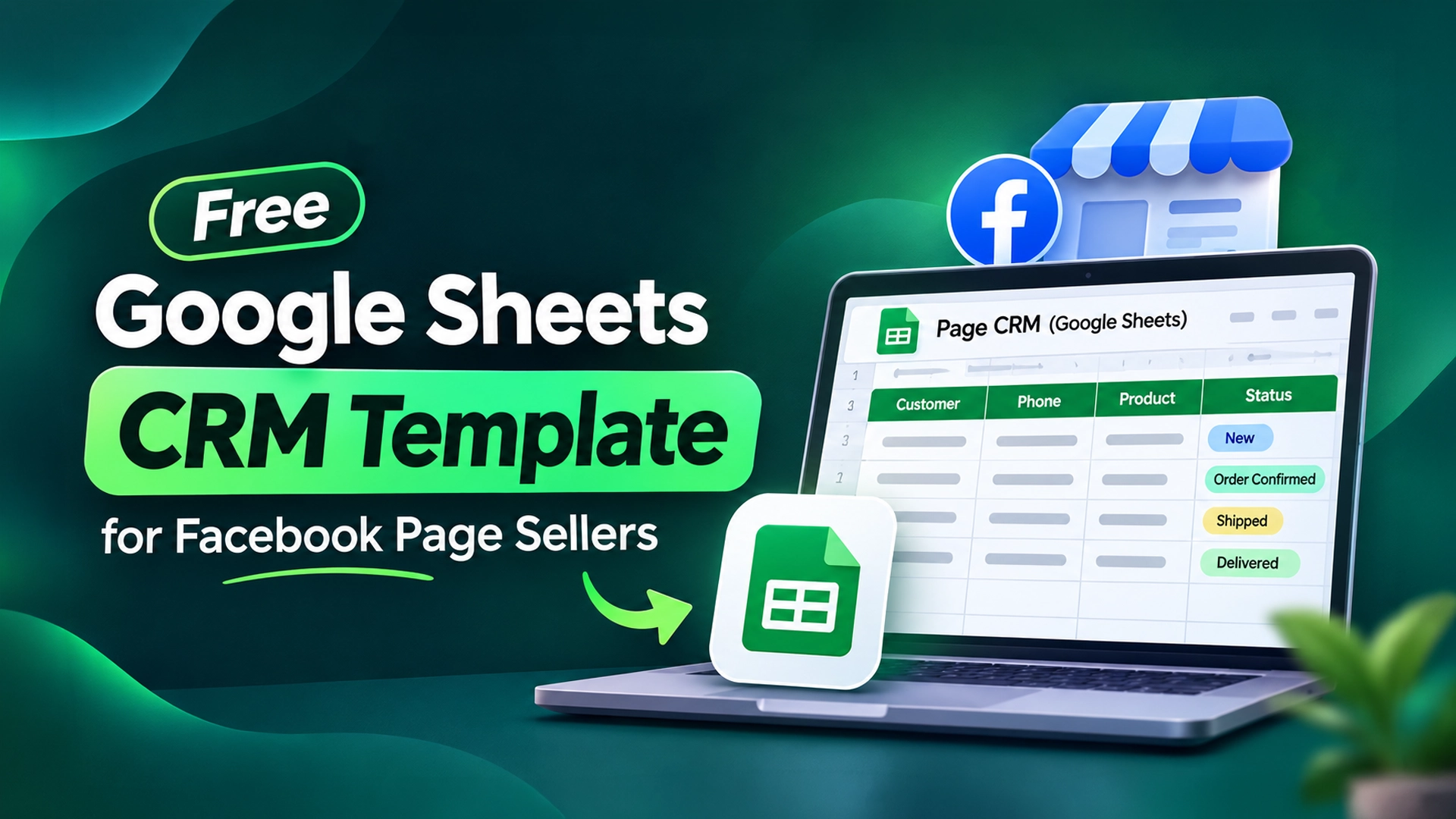
    Free Google Sheets CRM Template for Facebook Page Sellers

    Last updated: 5 November 2026 · By Leads Nimble Team (a product of Luminous Labs, Dhaka)

    A free CRM template in Google Sheets is a shared spreadsheet with fixed columns, dropdowns and formulas that track every Facebook page customer from first message to delivery. Below is the exact layout we recommend for Bangladeshi page sellers: 21 columns, a Settings tab, a Dashboard with COUNTIF formulas, and follow-up alerts. It takes about 20 minutes to build.

    Key takeaways

    • Use three tabs: Leads, Settings and Dashboard.
    • Dropdowns for Channel, Status, Payment, Area and Courier keep data clean and countable.
    • A “Follow-up due” formula plus red highlighting tells you who to message today.
    • COUNTIF and SUMIFS turn the sheet into a simple sales report: orders, COD pending, leads by channel.
    • Move to a real CRM when chats come from several channels, or more than two people edit the sheet daily.

    What is a Google Sheets CRM template?

    A Google Sheets CRM is a spreadsheet used as a customer relationship management system. Each row is one lead or order, each column is one fact about it, and dropdowns control the values.

    For a small Facebook page, this is often the best first step. It is free, works on phone and laptop, and the whole team can edit it at once.

    It is not automatic, though. Someone still has to copy each customer from Messenger or WhatsApp into the sheet. Keep that in mind; we will come back to it.

    Free CRM template layout: the exact columns

    Create a new Google Sheet and rename the first tab to Leads. Type these headers in row 1, from column A to U.

    ColumnHeaderType / ruleExample
    ALead IDFormula (auto)LN-0042
    BDateDate of first message05/11/2026
    CCustomer nameTextNusrat Jahan
    DPhonePlain text, 11 digits01712xxxxxx
    EChannelDropdownMessenger
    FSource post / adTextEid kurti boost
    GProduct / codeTextKT-118
    HSize / variantTextM, Maroon
    IQtyNumber2
    JUnit price (BDT)Number1,250
    KDelivery areaDropdownOutside Dhaka
    LDelivery chargeFormula (auto)From Settings tab
    MTotal (BDT)Formula (auto)Qty × price + delivery
    NPaymentDropdownCOD
    OStatusDropdownOrder confirmed
    PCourierDropdownSteadfast
    QConsignment IDTextFrom courier panel
    RNext follow-upDate07/11/2026
    SOwnerDropdown (team names)Rafi
    TNotesTextWants gift wrap
    UFollow-up due?Formula (auto)DUE

    Select row 1 and choose View → Freeze → 1 row so headers stay visible while you scroll.

    Why format the Phone column as plain text?

    Bangladeshi mobile numbers start with 0, such as 017, 018 or 019. Sheets drops the leading zero if the column is a number.

    Select column D, then Format → Number → Plain text. Now 01712345678 stays exactly as typed.

    How to add dropdowns to your CRM template

    Dropdowns make every status countable. “Confirmed”, “confirm” and “CONFIRMED” become one value.

    First, add a second tab called Settings. Put each list in its own column:

    Settings columnList nameValues (edit to fit your business)
    AChannelMessenger, WhatsApp, Instagram, Page comment, Phone call, Website
    BStatusNew, Price asked, Interested, Order confirmed, Shipped, Delivered, Returned, Lost
    CPaymentCOD, bKash, Nagad, Bank, Card
    DDelivery areaInside Dhaka, Dhaka suburbs, Outside Dhaka
    EDelivery chargeYour charge for each area, in the same order as column D
    FCourierPathao, Steadfast, RedX, Own rider, Other
    GOwnerNames of the people who reply to customers

    Put the header in row 1 and values from row 2 down. Then follow these steps for each dropdown column on the Leads tab:

    1. Select the column range, for example E2:E1000 for Channel.
    2. Click Data → Data validation → Add rule.
    3. Under Criteria, choose Dropdown (from a range).
    4. Enter the range, for example Settings!A2:A20.
    5. Under Advanced options, choose Reject the input so nobody types a free-text status.
    6. Click Done. Repeat for K (Settings!D2:D20), N (C2:C20), O (B2:B20), P (F2:F20) and S (G2:G20).

    Google explains each option in its help article on creating an in-cell dropdown list.

    Formulas for the CRM template (copy-paste)

    Enter each formula in row 2, then drag it down to row 1000. Blank-row checks keep empty rows clean.

    Auto Lead ID (column A)

    =IF(C2="","","LN-"&TEXT(ROW()-1,"0000"))

    This creates LN-0001, LN-0002 and so on as soon as you type a name. Do not sort rows if you need IDs to stay fixed; use filters instead.

    Delivery charge from area (column L)

    =IF(K2="","",IFERROR(INDEX(Settings!$E$2:$E$20,MATCH(K2,Settings!$D$2:$D$20,0)),""))

    Change a charge once in Settings, and every new row uses the new amount.

    Order total (column M)

    =IF(OR(I2="",J2=""),"",I2*J2+N(L2))

    Follow-up due flag (column U)

    =IF(AND(R2<>"",R2<=TODAY(),O2<>"Delivered",O2<>"Lost",O2<>"Returned"),"DUE","")

    Any open lead whose follow-up date is today or earlier shows “DUE”.

    Highlight due follow-ups and duplicate phones

    Select A2:U1000 and open Format → Conditional formatting. Choose Custom formula is and enter:

    • =$U2="DUE" with a light red fill, for overdue follow-ups.
    • =AND($D2<>"",COUNTIF($D$2:$D,$D2)>1) with a yellow fill, for repeat customers or double entries.

    Google’s guide to conditional formatting rules shows where each setting sits.

    Phone number check

    Add a data validation rule on D2:D1000 with Custom formula is:

    =AND(LEN(D2)=11,LEFT(D2,2)="01")

    This catches numbers with a missing digit before the courier calls a wrong number.

    How to build the Dashboard tab with COUNTIF

    Add a third tab called Dashboard. Type the labels in column A and the formulas in column B.

    MetricFormula
    Total leads=COUNTA(Leads!C2:C)
    New leads today=COUNTIF(Leads!B2:B,TODAY())
    Orders confirmed=COUNTIF(Leads!O2:O,"Order confirmed")
    Delivered=COUNTIF(Leads!O2:O,"Delivered")
    Lead-to-delivery rate=IFERROR(B5/B2,0) (format as %)
    Follow-ups due now=COUNTIF(Leads!U2:U,"DUE")
    Delivered revenue (BDT)=SUMIF(Leads!O2:O,"Delivered",Leads!M2:M)
    COD still with courier (BDT)=SUMIFS(Leads!M2:M,Leads!O2:O,"Shipped",Leads!N2:N,"COD")
    Leads from Messenger=COUNTIF(Leads!E2:E,"Messenger")
    Leads from WhatsApp=COUNTIF(Leads!E2:E,"WhatsApp")
    Returns=COUNTIF(Leads!O2:O,"Returned")

    The formulas assume the labels start in A2 and follow the table order, so “Total leads” is B2 and “Delivered” is B5. Adjust references if you change the order. The COUNTIF help page explains the syntax.

    How to copy and share the template with your team

    1. Build it once using the steps above, then add two or three test rows to check the formulas.
    2. Delete the test rows but keep the formulas in columns A, L, M and U.
    3. Make a master copy. Use File → Make a copy and name it “CRM Template – Master”. Never type real leads into the master.
    4. Share the working copy with your team using Share → Editor. Give view-only access to anyone who just needs reports.
    5. Protect formula columns. Right-click column A → View more column actions → Protect range, so nobody overwrites a formula by mistake.
    6. Start a fresh copy for each new page or each year, so the sheet stays fast.

    Daily routine: how to use the sheet

    • Morning: filter column U for “DUE” and message those customers first.
    • Every new chat: add a row with name, phone, channel and product. Set status to “New” or “Price asked”.
    • After confirming: change status, add courier and consignment ID.
    • Evening: check the Dashboard for COD still with the courier and returns.

    Google Sheets CRM vs a real CRM: when do you outgrow it?

    Sheets is a great start. But the copy-paste step does not scale.

    TaskGoogle Sheets templateChat-based CRM (e.g. Leads Nimble)
    Capture new Messenger leadManual copyAutomatic from the inbox
    Reply to the customerSwitch to Messenger appReply from the same screen; AI can answer 24/7
    Know which ad brought the leadTyped by hand, often skippedCampaign/ad attribution
    Follow-up reminderFormula + someone checkingReminders and tasks
    Several channelsOne “Channel” dropdownMessenger, WhatsApp, Instagram, web chat, Telegram in one inbox
    Team rolesEveryone edits everythingRoles and permissions
    CostFreeFree plan; paid plans in Taka

    Signs you have outgrown the sheet:

    • You spend more than an hour a day copying chats into rows.
    • Two people answer the same customer, or nobody does.
    • Leads from WhatsApp never reach the sheet.
    • The sheet takes seconds to load on a phone.

    Read the full checklist in free vs paid CRM: 7 signs you’ve outgrown Excel, or compare options in our guide to the best free CRM software in Bangladesh.

    Next step: automate the copy-paste

    Leads Nimble turns every Messenger chat into a lead in a visual pipeline, so the sheet fills itself. Its AI assistant replies in Bangla and English, and it can still sync with Google Sheets if your team likes the spreadsheet view.

    The Free plan includes 1 user, one Messenger page and 500 AI credits a month, with no credit card. See all features or book a demo.

    Frequently asked questions

    Is there a free CRM template for Google Sheets?

    Yes. You can build one in about 20 minutes with the layout in this guide: a Leads tab with 21 columns, a Settings tab for dropdown lists and a Dashboard tab with COUNTIF formulas. It costs nothing beyond a Google account. Make a master copy first so you can reuse the clean template for other pages.

    Which columns should a CRM sheet have for a Facebook page?

    At minimum: date, customer name, phone, channel, product, price, delivery area, delivery charge, total, payment method, status, courier, consignment ID, next follow-up date and owner. Add the source post or ad if you run boosts, so you can see which posts actually bring orders.

    How do I stop Google Sheets removing the 0 from phone numbers?

    Select the phone column and choose Format → Number → Plain text before typing. Bangladeshi numbers then keep their leading 0. You can add a data validation rule with the formula =AND(LEN(D2)=11,LEFT(D2,2)=”01″) to catch numbers with missing digits.

    How do I count orders by status in Google Sheets?

    Use COUNTIF on the status column. For example, =COUNTIF(Leads!O2:O,”Order confirmed”) counts confirmed orders. For two conditions, such as shipped COD orders, use SUMIFS or COUNTIFS. Dropdowns keep spelling identical, which is what makes these formulas accurate.

    Can several people use the same Google Sheets CRM?

    Yes. Share the sheet with Editor access and everyone sees changes live. Protect formula columns so nobody deletes them, and add an Owner column so each lead has one person responsible. With more than two or three active editors, conflicts and double replies become common.

    When should I move from a spreadsheet to a CRM?

    Move when copying chats takes too much time, when leads come from several channels, or when follow-ups are missed. A chat-based CRM such as Leads Nimble captures Messenger leads automatically, reminds you to follow up and shows which ad brought each customer. Its Free plan is a low-risk way to test.