Last updated: 5 November 2026 · By Leads Nimble Team (a product of Luminous Labs, Dhaka)
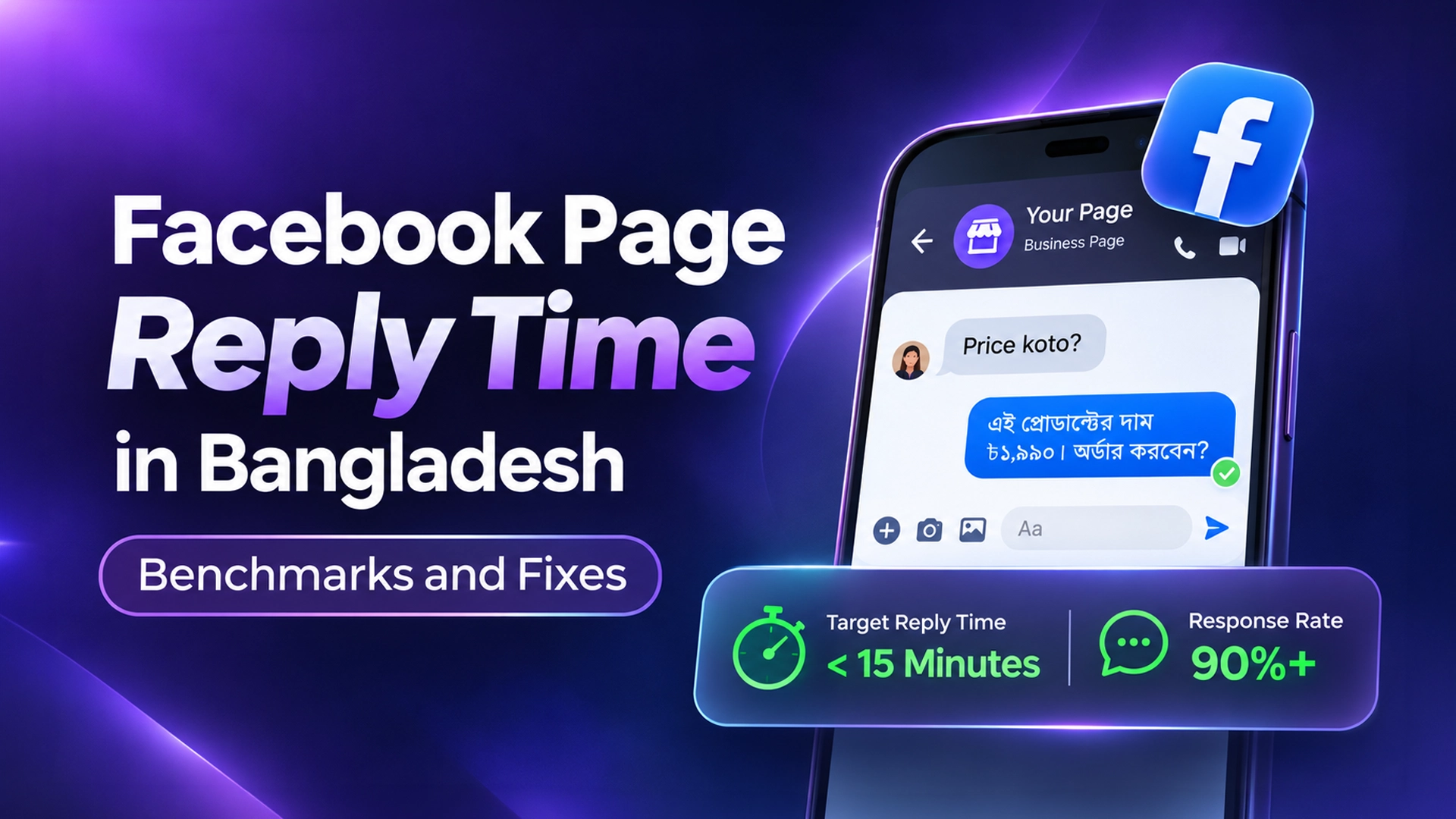
A good Facebook page response time in Bangladesh is under 15 minutes during business hours, with at least 90% of messages answered. Those are the targets historically linked to Meta’s “Very responsive to messages” badge. For sales leads, aim even faster: research shows replying within an hour dramatically raises your chances of closing.
Key takeaways
- Target: answer 90%+ of new messages, with a typical reply under 15 minutes. Under 5 minutes is better for f-commerce.
- Meta measures response rate and response time from your first reply to new conversations only.
- Instant replies and away messages have been reported as not counting toward these metrics. A real answer does.
- Published research found leads contacted within an hour were far more likely to be qualified than leads contacted later.
- Hit the target with a rota, saved answers, a single inbox and an AI assistant for nights and peaks.
What is Facebook page response time?
Facebook page response time is how long your page typically takes to send its first reply to a new message. Meta shows it to visitors, for example as “Typically replies within an hour”, on your page and in Messenger.
Response rate is the percentage of new messages your page replies to. Together, these two numbers tell customers whether messaging you is worth it.
How does Meta calculate them?
Meta has adjusted the details over the years, and its help pages are the final word. Reporting by Blog du Modérateur (2018) described the method like this:
- Only the first message in a new conversation counts. Replying many times in one chat doesn’t improve the score.
- The window is roughly the last 30 days (or your last 10 messages if volume is low).
- Response time is the average of your fastest 90% of replies, so a few very slow ones don’t wreck it.
- Excluded: instant replies, away messages, spam, and messages received while the page was set to “Away”.
- Included: replies sent by a person or through an API, such as a connected chatbot or CRM.
The practical lesson: an automatic “Thanks, we’ll reply soon” greeting is useful for the customer, but it does not make your page look faster. A real answer does.
What does the “Very responsive to messages” badge require?
When Meta launched page response metrics in 2015, the “Very responsive to messages” badge went to pages with a response rate of at least 90% over the previous seven days. TechCrunch reported a fast median response time as the second condition. Many social media agencies have since quoted the target as 15 minutes.
Meta does not publish a current public threshold that we could verify for 2026, and it has changed page features often. So treat 90% and under 15 minutes as a sensible target, not a guaranteed badge formula. If your page meets it, customers see a fast “typically replies” label either way.
What is a good response time benchmark for Bangladeshi pages?
We won’t invent a survey of Bangladeshi pages. No reliable public one exists that we know of. Instead, here are practical targets, built from Meta’s historic badge criteria and published lead-response research.
| Business type | Target first reply (business hours) | Outside hours | Why |
|---|---|---|---|
| F-commerce (clothing, cosmetics, gadgets) | Under 5 minutes | AI or instant answer to price, delivery and COD | Buyers message several pages and order from the first clear answer |
| Food and cloud kitchens | Under 2–3 minutes | Clear closed message with next opening time | Hunger doesn’t wait |
| Clinics and diagnostics | Under 15 minutes | Booking options and emergency guidance | Patients compare availability, not just price |
| Study abroad agencies | Under 15 minutes | AI collects country, intake and test score | High-value leads, often messaging many agencies |
| Real estate | Under 15 minutes; call within the hour | AI shares project details and books a callback | Each lead is worth a lot; speed signals seriousness |
| B2B and services | Under 1 hour | Acknowledge and set expectations | Longer decisions, but first contact still matters |
Why does response time matter so much for sales?
Because interest decays fast. In an audit published in Harvard Business Review in 2011, researchers found that only 37% of 2,241 US companies answered online leads within an hour, and the average response took 42 hours.
The same research reported that firms contacting a lead within an hour were nearly seven times as likely to qualify it as those that waited an hour longer. Firms that waited a day or more did far worse still.
That study was about US web forms, not Messenger. But a Dhaka shopper asking “dam koto?” on three pages behaves the same way. The first clear answer usually wins the order. Our missed message calculator shows what slow replies cost in Taka.
How to check your page’s response time
- Open Meta Business Suite on desktop or the mobile app.
- Go to the Inbox and look for your page’s messaging insights or response metrics. Menu names change, so search “response time” in Meta’s help if you can’t find it.
- Note your current response rate and response time.
- Check how your page appears to customers: open it from a personal account and look for the “Typically replies…” label.
- Write the numbers down weekly. Improvement you don’t measure tends not to happen.
How to hit a 15-minute (or faster) reply time
1. Set clear working hours and an honest away state
Messages received while your page is set to away have been reported as excluded from response metrics. Use it for genuine off-hours, such as late night or Friday prayers, not to hide a slow team.
2. Build a staff rota for peak hours
Most pages have predictable peaks: after ads go live, lunch time, and late evening. Put someone on the inbox for those windows, especially during Eid and sale campaigns.
3. Prepare saved replies for the top 10 questions
Price, size, colour, delivery charge inside and outside Dhaka, COD, bKash or Nagad payment, delivery time by Pathao, Steadfast or RedX, return policy. Ready answers cut reply time from minutes to seconds. For ideas, use our Bangla auto reply templates.
4. Bring all channels into one inbox
If Messenger, Instagram and WhatsApp are on different phones, the slowest phone sets your real response time. A unified inbox puts every new chat in one queue.
5. Route chats to the right person
Sales questions to sales, complaints to support. Assignment stops the “I thought you were answering it” problem.
6. Add an AI assistant for nights and spikes
An AI assistant trained on your real prices and policies can give a full answer at 2 am. Because API-connected replies have been reported to count as real replies, this can help your metrics as well as your sales. Always include a human handoff for complaints and unusual questions.
7. Review slow chats every week
Pick five slow conversations each week and ask why. Usually it’s a missing answer in your saved replies or a gap in the rota. Fix that one cause.
Free tools vs a CRM for faster replies
| Tool | Cost | Helps response time? | Limits |
|---|---|---|---|
| Meta instant replies and FAQs | Free | Helps customers; reported not to count in metrics | Fixed answers only |
| Saved replies in Business Suite | Free | Yes, speeds up staff | Needs someone online |
| Staff rota | Salary | Yes | Costly at night and on holidays |
| Unified inbox + AI CRM | Free plan or monthly fee | Yes, 24/7 real answers across channels | Needs a good knowledge base and setup |
Start with the free tools. Our free Facebook page auto reply guide covers setup step by step.
How Leads Nimble helps you reply faster
Leads Nimble is an AI sales CRM and unified inbox made in Dhaka by Luminous Labs. It brings Messenger, Instagram, WhatsApp, website chat and Telegram into one inbox, with team routing, roles and a mobile app for replying on the go.
Its AI assistant answers 24/7 in Bangla and English from your own knowledge base: products, prices, delivery charges and FAQs. It qualifies leads and hands them to a human when needed. Every conversation becomes a lead with follow-up reminders. See all features.
Try it free: the free forever plan includes one user, one Messenger page, 500 AI credits a month and no credit card. Compare paid plans on the pricing page or book a demo.
Frequently asked questions
What is a good response time for a Facebook page?
Aim to answer at least 90% of new messages, with a typical first reply under 15 minutes during business hours. Those figures match the targets historically linked to Meta’s “Very responsive” badge. For f-commerce pages, under five minutes is better, because shoppers often message several pages and buy from whoever answers clearly first.
How do I get the “Very responsive to messages” badge?
When Meta introduced it in 2015, the badge required a response rate of at least 90% and a fast response time over the previous seven days. Meta has not published a current threshold we could verify for 2026. Aim for 90% and under 15 minutes, use real replies rather than auto-greetings, and set your page to away only during genuine off-hours.
Do instant replies count toward Facebook response time?
Reportedly not. Published explanations of Meta’s calculation say instant replies and away messages are excluded from response rate and response time. Replies sent by a person, or through an API such as a connected chatbot or CRM, are counted. Instant replies are still worth using, because they reassure customers while a real answer is on its way.
How is Facebook page response rate calculated?
Response rate is the share of new conversations your page replies to. Based on published explanations, only the first message of a new conversation counts, over roughly the last 30 days. Spam, conversations you closed, and messages received while your page was marked away are excluded. Meta can change these rules, so check its help center for the latest.
Does response time affect sales?
Yes. A 2011 Harvard Business Review audit found only 37% of companies answered online leads within an hour, and that firms responding within an hour were nearly seven times as likely to qualify a lead as those waiting an hour longer. Messaging buyers in Bangladesh behave similarly: slow answers send them to competing pages.
How can a small team reply faster without hiring?
Prepare saved replies for your top ten questions, put all channels in one inbox, and cover peak hours with a simple rota. Then add an AI assistant trained on your prices and policies to answer nights and spikes, with handoff to a human for complaints. Review a few slow chats each week and fix their causes.