Last updated: 5 November 2026 · By Leads Nimble Team (a product of Luminous Labs, Dhaka)
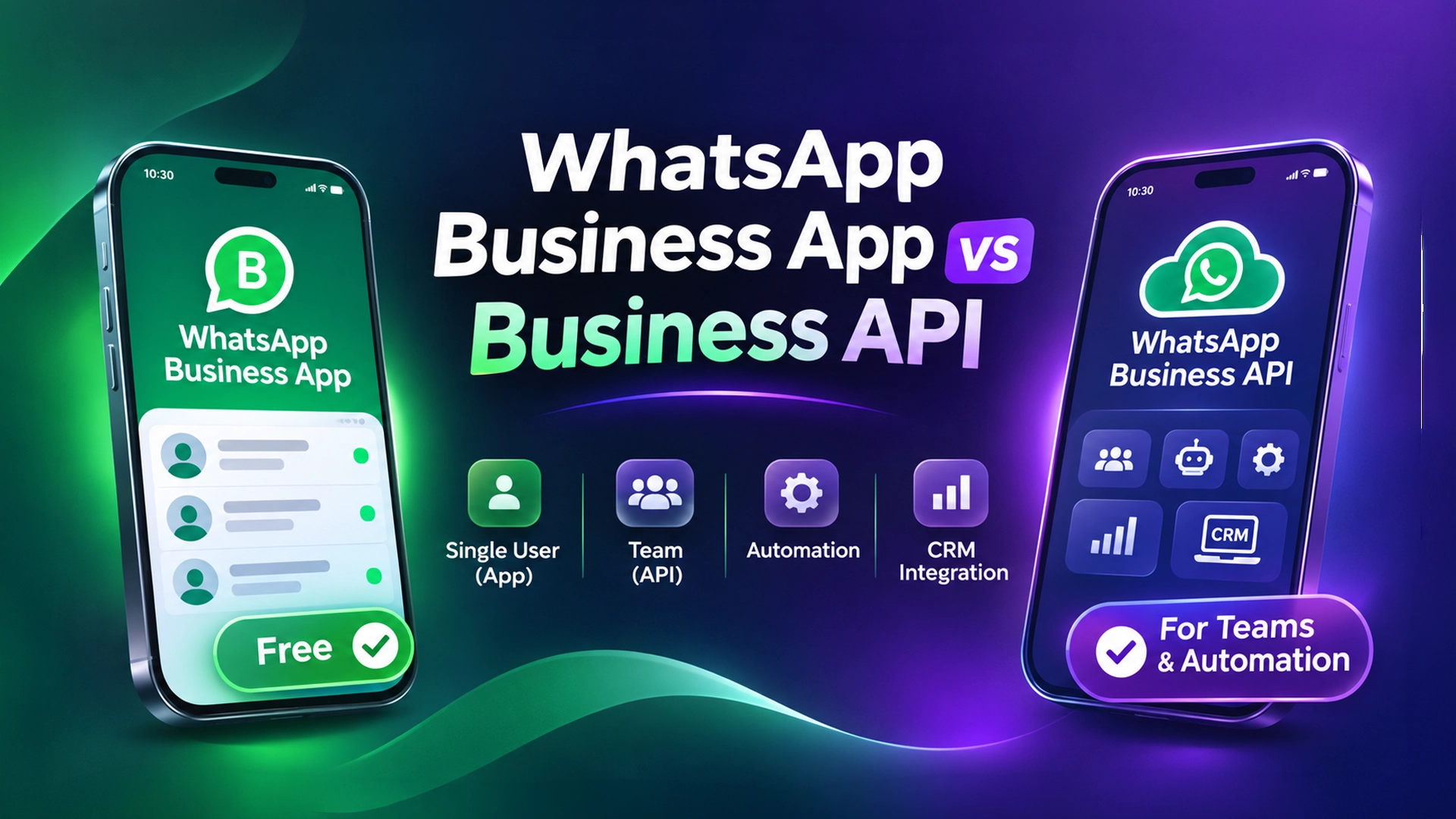
The WhatsApp Business app is free and built for one owner on one phone. The WhatsApp Business API (now called the WhatsApp Business Platform) is built for teams, automation and CRMs. For a WhatsApp Business API Bangladesh setup, replies to customers are free inside a 24-hour window, while marketing, utility and authentication templates are charged per message.
Key takeaways
- The WhatsApp Business app costs nothing. Its limits are people and scale, not money.
- Since 1 July 2025, Meta charges the API per delivered message, not per conversation.
- Service replies inside the 24-hour customer service window are free. So are utility templates sent inside that window.
- Click-to-WhatsApp ads and Facebook Page CTA buttons open a 72-hour window where all messages are free.
- Marketing templates are always charged. Rates depend on the recipient’s country; Bangladesh sits in Meta’s “Rest of Asia Pacific” group.
- Your real monthly bill = Meta’s message fees + your provider or CRM fee.
What is the difference between the WhatsApp Business app and the API?
The WhatsApp Business app is a free mobile app for small businesses. You install it on a phone, add a business profile, a catalog, labels and quick replies, and chat by hand.
The WhatsApp Business API (officially the WhatsApp Business Platform, or Cloud API) is a programmable connection to WhatsApp. It has no app of its own. You use it through software such as a CRM, a chatbot builder or a shared inbox.
Think of it this way. The app is a personal phone line with business features. The API is a call-centre line that many agents and bots can answer at once.
Side-by-side comparison
| Feature | WhatsApp Business app | WhatsApp Business API |
|---|---|---|
| Price to use | Free | Per-message fees from Meta + provider fee |
| Who uses it | Owner or 1–2 staff | Teams of any size |
| Devices | One phone plus a few linked devices | Unlimited agents through software |
| Bulk messages | Broadcast lists (small, only to people who saved your number) | Approved template campaigns to opted-in contacts |
| Automation | Greeting, away message, quick replies | Chatbots, AI replies, flows, webhooks |
| CRM connection | None built in | Native: leads, pipeline, history, reports |
| Team roles and chat assignment | No | Yes, through your CRM or inbox tool |
| Risk of ban for automation | High if you use unofficial bulk tools | Low if you follow Meta policy |
What is free on WhatsApp Business in Bangladesh?
A lot more is free than most sellers think. Here is the honest list.
Free on the WhatsApp Business app
- Downloading and using the app.
- Unlimited one-to-one chats with customers.
- Catalog, labels, quick replies, greeting message and away message.
- Broadcast lists. Messages only reach contacts who saved your number, and each list is capped at a small size (widely reported as 256 contacts).
Free on the WhatsApp Business API
Per Meta’s pricing documentation, these messages cost nothing from Meta:
- Service messages. Any free-form reply (text, image, voice note) sent while the 24-hour customer service window is open.
- Utility templates inside the window. For example, an order confirmation sent while the customer’s chat is still open.
- Free entry point messages. When someone messages you from a Click-to-WhatsApp ad or a Facebook Page call-to-action button on the mobile app, every message for 72 hours is free, templates included.
The customer service window is the 24-hour period that starts when a customer messages you. Each new customer message resets the clock.
How much does the WhatsApp Business API cost in Bangladesh?
The API has two cost layers. Most “price” confusion in Bangladesh comes from mixing them up.
Layer 1: Meta’s per-message fees
Meta moved to per-message pricing on 1 July 2025. The WhatsApp Business Platform pricing page explains that you are charged when a template message is delivered. The rate depends on two things: the message category and the recipient’s country code.
| Category | What it is for | Charged? |
|---|---|---|
| Marketing | Offers, Eid campaigns, new arrivals, abandoned-cart nudges | Always charged per delivered message |
| Utility | Order updates, delivery status, payment receipts | Free inside the 24-hour window; charged outside it |
| Authentication | One-time passwords (OTP) for login | Charged (volume discounts apply) |
| Service | Free-form replies to customer questions | Free inside the 24-hour window |
Bangladesh numbers (+880) fall in Meta’s “Rest of Asia Pacific” market. Meta publishes the exact rates in its rate cards, and changes them only on the first day of a quarter with notice. Check the current card before you budget. We cover the full Taka breakdown in our WhatsApp Business API price in Bangladesh guide.
Layer 2: Provider or CRM fees
Meta does not give you an inbox. You need a Business Solution Provider (BSP) or a CRM that connects to the Cloud API. These tools charge a monthly subscription, and some add a markup on each message.
Ask every provider three questions:
- Do you pass Meta’s message fees at cost, or add a markup?
- Can I pay in Taka, or do I need a dual-currency card?
- How many agents and numbers does the plan include?
What about BDT and payment?
Meta publishes its rate cards in a set of international billing currencies. If you or your provider pay Meta in a foreign currency, your cost in BDT moves with the exchange rate. Many Bangladeshi businesses avoid card hassles by paying a local provider in Taka through bank transfer, bKash or Nagad, where the provider supports it.
Which one should a Bangladeshi business choose?
Use the size of your inbox, not the size of your ambition, to decide.
Stay on the free WhatsApp Business app if:
- You get fewer than about 20–30 chats a day and one person can answer them.
- You don’t run Click-to-WhatsApp ads at scale.
- You don’t need reports on which ad brought which order.
Move to the WhatsApp Business API if:
- Two or more people need to answer the same number without sharing one phone.
- Customers wait for replies at night, on Fridays or during Eid rush.
- You want order confirmations and courier updates (Pathao, Steadfast, RedX) sent automatically.
- You run ads and want to know the cost per lead and per sale.
- Your broadcasts are getting your number restricted.
A real estate developer in Dhaka and an f-commerce boutique in Mirpur have very different volumes. But both hit the same wall: one phone, many customers, no history. If that sounds familiar, read our WhatsApp CRM buyer’s checklist.
Is “unofficial” WhatsApp API safe?
An unofficial WhatsApp API is a tool that controls a normal WhatsApp or WhatsApp Business account through WhatsApp Web or a similar link, instead of Meta’s Cloud API. Many cheap bulk-SMS-style “WhatsApp marketing” tools in Bangladesh work this way.
The appeal is clear: no template approval and no per-message fee. The risk is also clear. These connections are not sanctioned by Meta, so heavy or spammy use can get the number restricted or banned.
Our honest advice:
- Use the official API for marketing broadcasts and anything high-volume.
- If you use an unofficial connection, keep it for normal one-to-one chats with customers who messaged you first.
- Never buy contact lists and blast them. That is the fastest way to lose a number.
Can you keep using the app after moving to the API?
Yes, in many cases. Meta now supports coexistence, where one number stays active in the WhatsApp Business app while also connected to the Cloud API through a supported provider. Some features (such as broadcast lists and group chats) behave differently once connected, so check your provider’s notes before switching.
Without coexistence, moving a number to the API removes it from the app. Back up your chats first.
How to move from the WhatsApp Business app to the API: step by step
- Verify your Meta business portfolio. Use your trade licence and a matching website or utility bill. A mismatch in business name is the most common delay.
- Pick a provider or CRM. Compare monthly fee, message markup, Taka billing and Bangla support.
- Choose your number. Use your existing number (with coexistence if offered) or a new SIM that can receive an OTP.
- Set your display name and profile. Meta reviews the display name, so match it to your brand.
- Write and submit templates. Start with three: order confirmation (utility), delivery update (utility) and one offer (marketing).
- Connect your channels. Add Messenger and Instagram to the same inbox so every lead lands in one place.
- Train your replies. Load prices, delivery charges, COD rules and return policy into your FAQ or AI knowledge base.
- Test with your team. Send test orders, try a handoff from bot to human, then go live.
Where Leads Nimble fits
There are good global tools for WhatsApp API inboxes, such as WATI, Zoko and Kommo. We compare them openly in Leads Nimble vs Kommo vs Zoko vs WATI.
Leads Nimble is an AI sales CRM and unified inbox built in Dhaka. It connects WhatsApp (official API and unofficial), Facebook Messenger, Instagram, website chat and Telegram in one inbox. Its AI assistant replies 24/7 in Bangla and English using your own prices and FAQs, then hands over to a human when needed.
Every chat becomes a lead in a visual pipeline, with follow-up reminders, broadcasts, message templates and ad attribution. Bangladeshi customers are billed in Taka. See the full list on the features page.
You can start on the free forever plan (Messenger, one page, 500 AI credits a month, no credit card) and add WhatsApp on a paid plan when you are ready. Compare plans on the pricing page or book a demo and we’ll walk you through the API setup.
Frequently asked questions
Is the WhatsApp Business API free in Bangladesh?
Partly. Meta does not charge for service replies sent within 24 hours of a customer’s last message, or for utility templates sent in that window. Messages within 72 hours of a Click-to-WhatsApp ad or Page CTA click are also free. Marketing templates, authentication templates and utility templates outside the window are charged. Your provider or CRM usually adds a monthly fee on top.
Is the WhatsApp Business app free?
Yes. The WhatsApp Business app is free to download and use, with no message fees for normal chats. You get a business profile, catalog, labels, quick replies, greeting and away messages, and small broadcast lists. The cost is hidden in time: one phone, limited devices and no automation beyond basic replies. That becomes a bottleneck once you have several staff or high chat volume.
How does Meta charge for the WhatsApp API now?
Since 1 July 2025, Meta charges per delivered template message instead of per 24-hour conversation. The price depends on the template category (marketing, utility or authentication) and the recipient’s country. Bangladesh is in the “Rest of Asia Pacific” market. Utility and authentication messages get lower rates at higher monthly volumes. Rates change only at the start of a quarter.
Can I use one number on both the WhatsApp Business app and the API?
Often, yes. Meta’s coexistence option lets a number stay in the WhatsApp Business app while connected to the Cloud API through a supporting provider. Chat history can be synced, but some features such as broadcast lists and group chats work differently. Without coexistence, moving a number to the API removes it from the app, so back up chats first.
Do I need a trade licence to get the WhatsApp Business API in Bangladesh?
You need to verify your business with Meta, and a trade licence is the usual document Bangladeshi businesses use. The legal name on the document should match your Meta business portfolio and website. Some providers can help with onboarding before full verification, but verification unlocks higher messaging limits and is worth doing early.
Which is better for f-commerce sellers, the app or the API?
If one person handles fewer than about 20–30 chats a day, the free app is fine. Once you run Click-to-WhatsApp ads, have two or more staff replying, or want automatic order and courier updates, the API is better. It gives a shared inbox, chatbots, CRM history and reports on which ad produced each order.